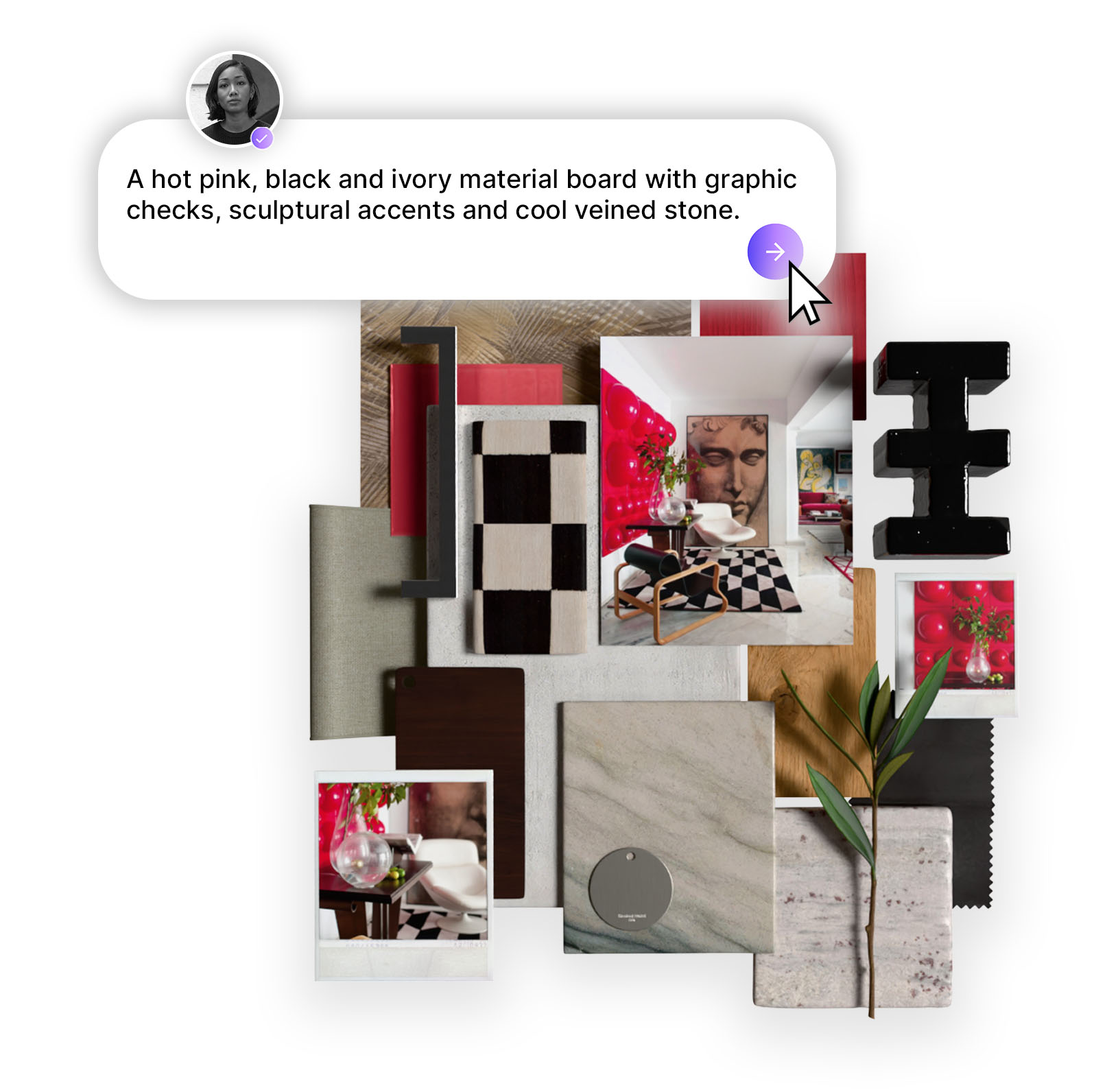
Mattoboard is a modern digital moodboard tool built for interior designers and creative teams. It helps you collect, organize, and present visual ideas, materials, and inspiration in one clear workspace. From early concepts to client ready boards, Mattoboard simplifies the creative process and keeps everyone aligned visually.
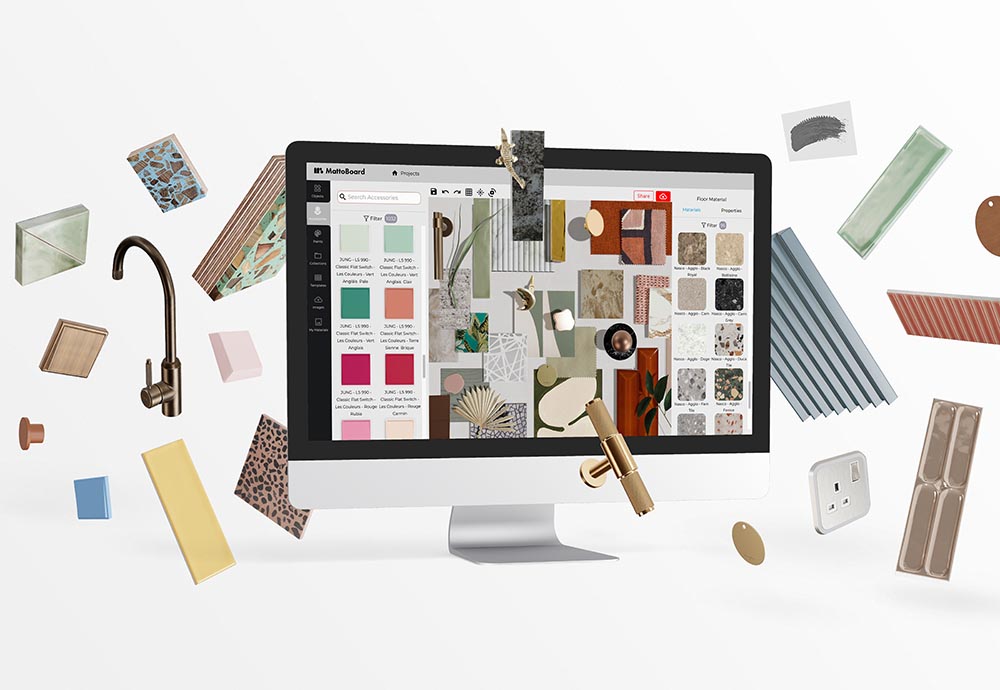
Mattoboard is a digital moodboard platform that helps interior designers, creators, and teams visually organize ideas, materials, and inspiration in one place. It streamlines the design workflow by allowing users to collect images, textures, colors, and materials — then turn them into polished, shareable boards for presentations, collaboration, and concept development.
Mattoboard is built for one purpose: make the creative process easier, faster, and more visual. Whether you're an interior designer, architect, visual designer, or creative lead, Mattoboard centralizes your inspiration and materials so you can move from concept → mood board → final board without friction.
Key things Mattoboard helps you do:
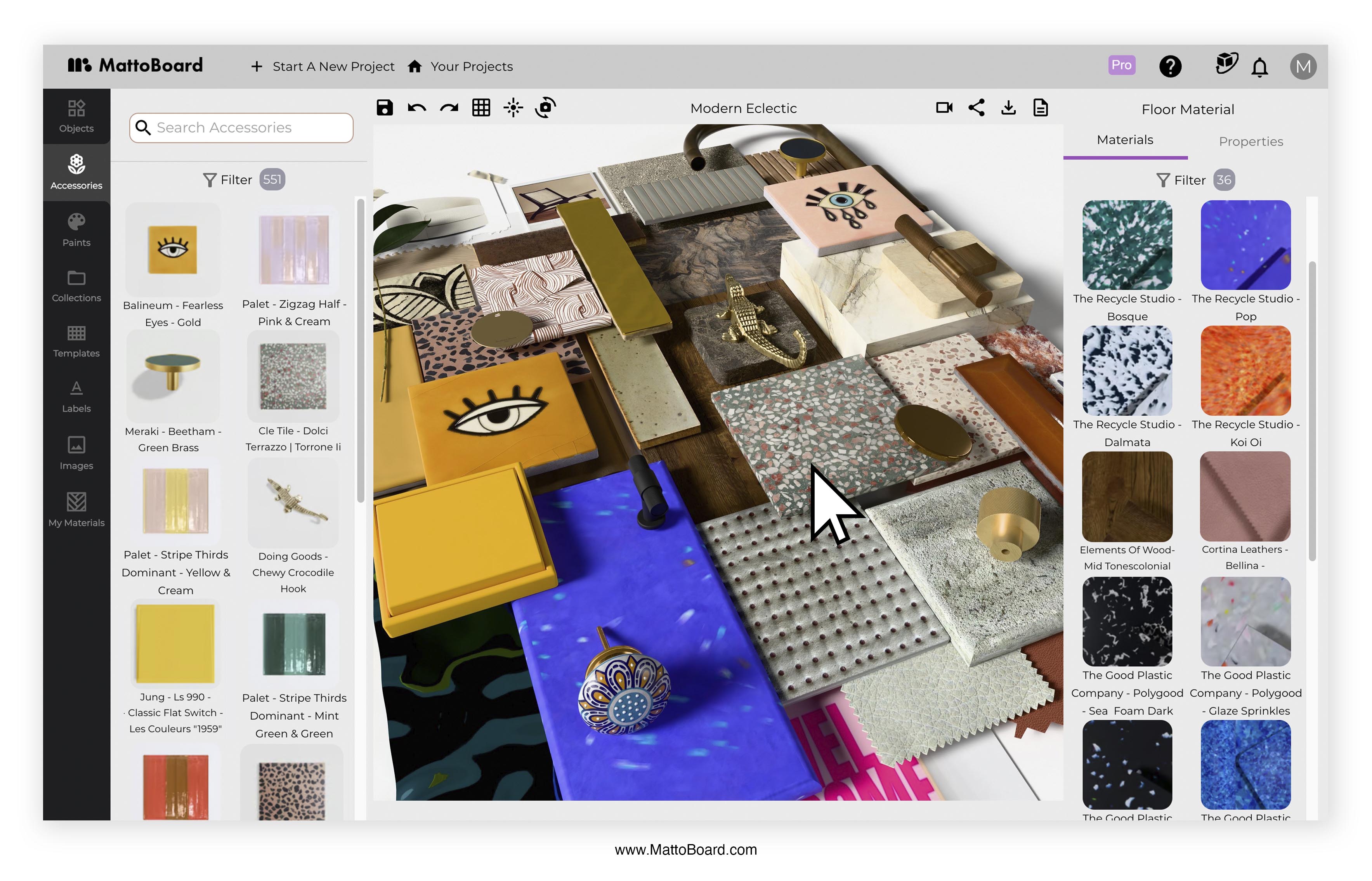
Dragging images into a chaotic canvas or manually building boards in Photoshop wastes time. Mattoboard gives you a purpose-built space that removes friction from early-stage concept development.
Unlike typical inspiration tools, Mattoboard also caters to material-driven design — with textures, finishes, swatches, and product references integrated directly into the workflow.
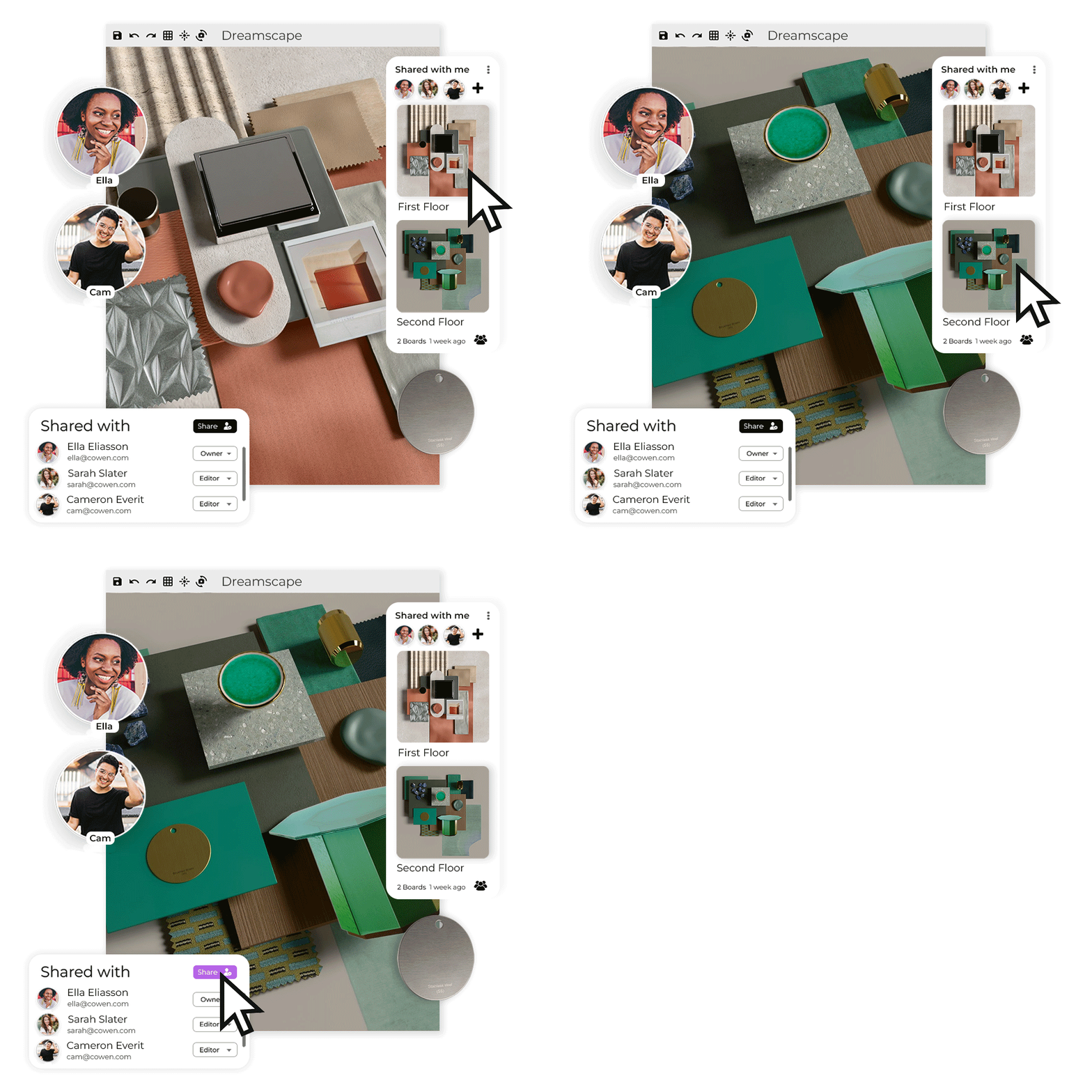
Sharing, revising, and presenting boards is easy:
It’s a cleaner communication flow from day one.
No need for advanced design software for simple concept boards. Mattoboard helps produce polished, client-ready boards with minimal effort.
Mattoboard is built for anyone working visually, including:
If your work starts with inspiration and visual exploration — Mattoboard fits your workflow.
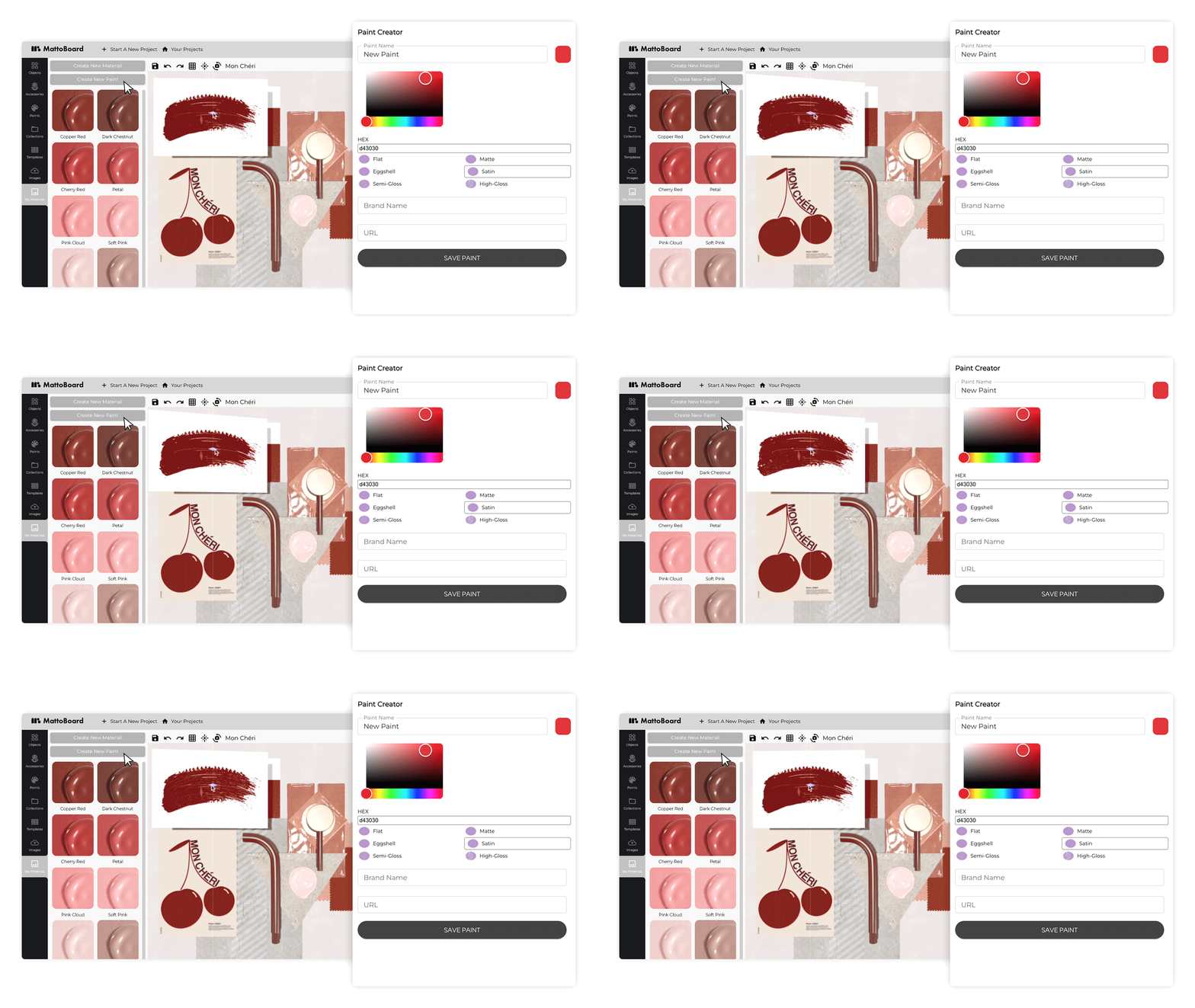
Choose a layout or start from a blank canvas.
Upload your own images, or use textures and materials from the built-in library.
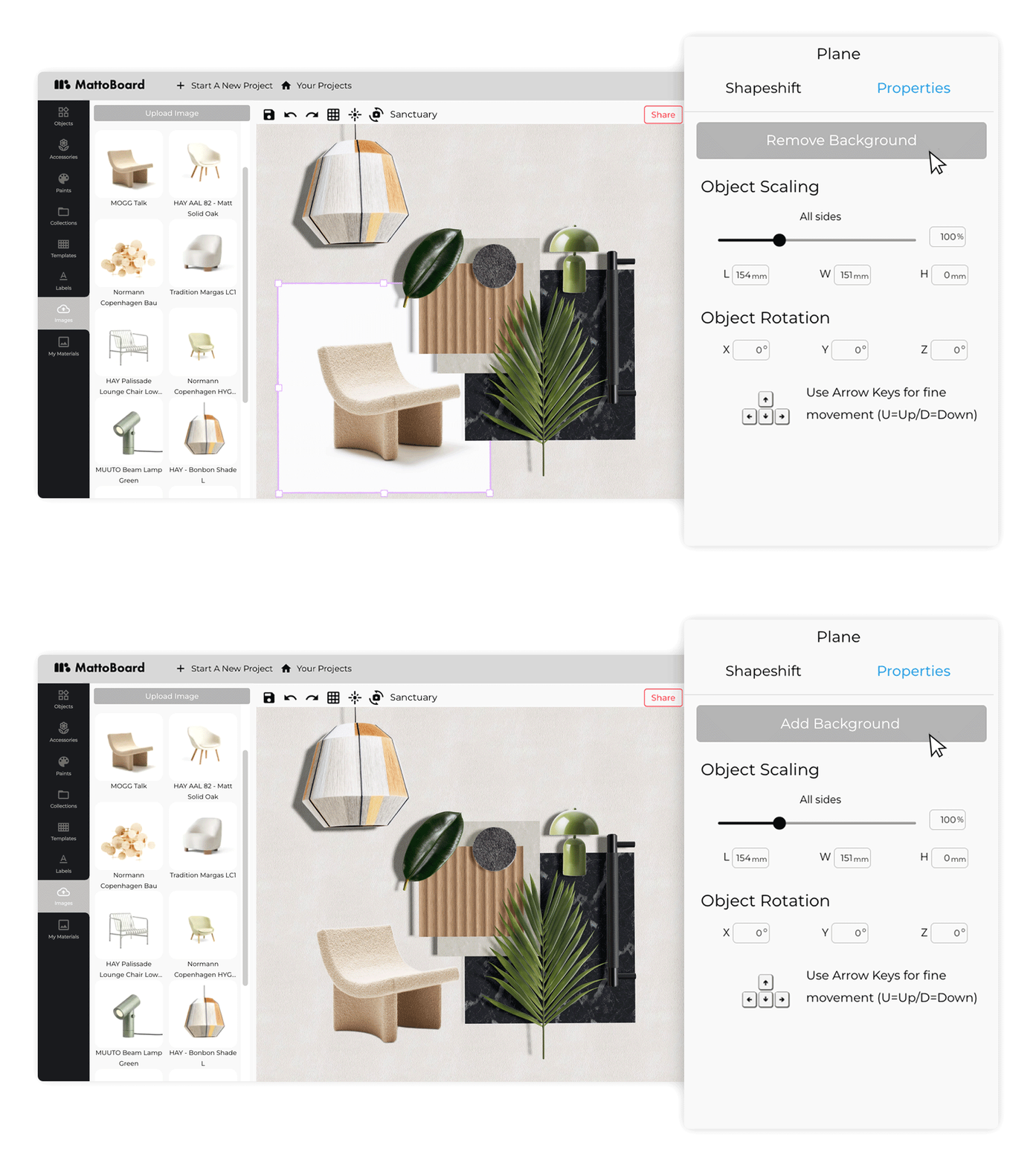
Resize, crop, organize, and annotate elements with simple tools.
Share your mood board with a link or export it for clients and collaborators.
This process takes minutes, not hours.
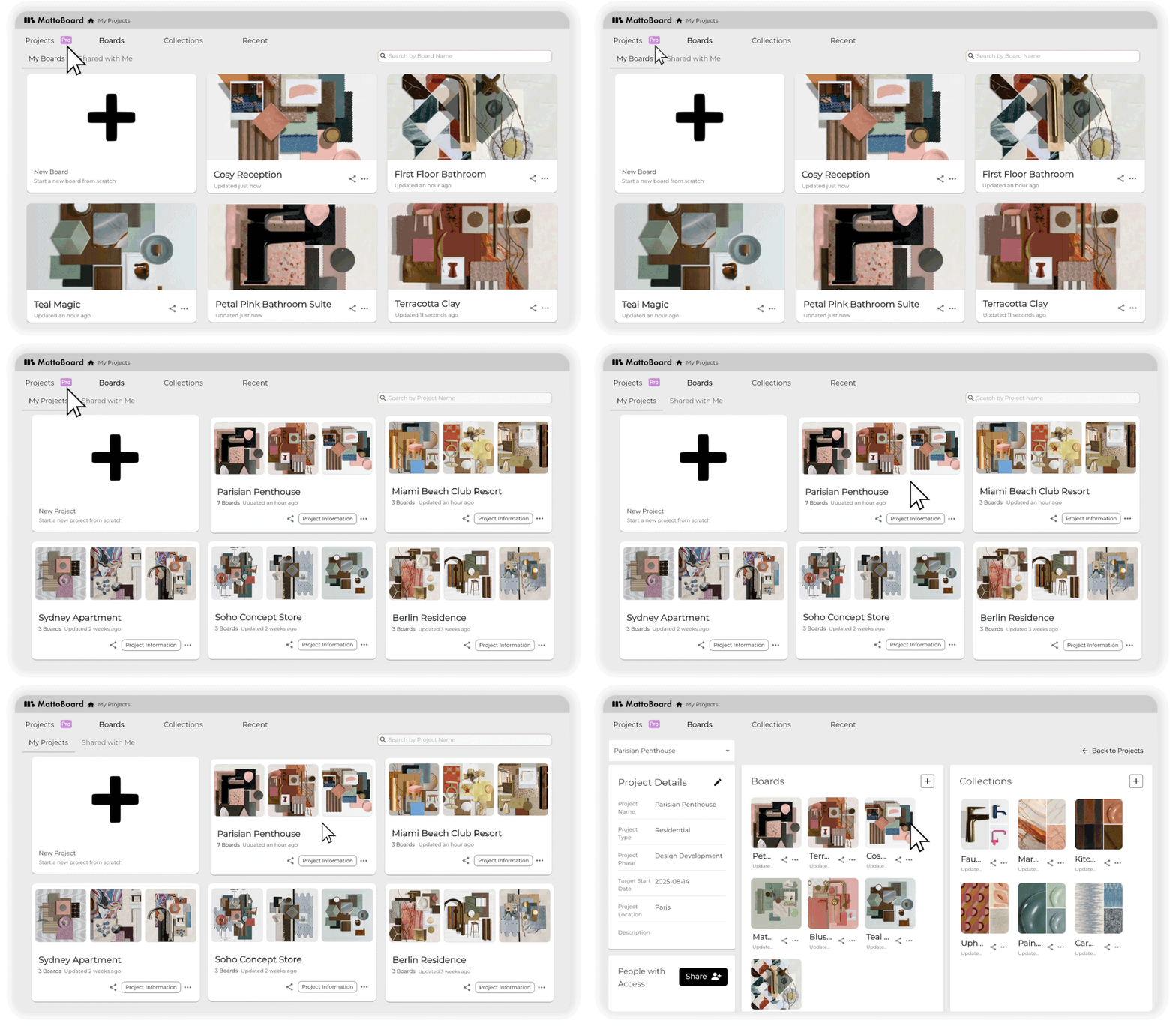
These features make Mattoboard feel like part of the designer’s natural workflow — not a workaround.
The design landscape has moved digital. Clients expect polished visual presentations early. Teams work remotely. Interior Designers juggle hundreds of references across platforms.
Mattoboard solves a real problem:
It centralizes the messy, early design phase into a single, intuitive place.
This saves time, reduces miscommunication, and heps teams deliver cleaner concepts.
Mattoboard is used to create digital moodboards, gather inspiration, organize materials, and present design concepts professionally.
Mattoboard offers both free and paid subscription tiers depending on features and usage needs.
Absolutely — interior designers and architects are among the platform’s core users.
Yes, Mattoboard includes a material library and allows users to upload their own textures.
Yes, the platform is built with collaboration in mind and is ideal for teams working on visual projects.
Mattoboard is more than a moodboard tool - it’s becoming the visual hub for modern design workflows. If you work with inspiration, materials, or visual concepts, it’s one of the simplest ways to bring clarity and direction to your projects.
What are you waiting for? Click ‘Start designing now’ to start creating professional 3D material boards for your interior design projects. To access MattoBoard’s full professional potential, sign up to MattoBoard Pro. Find out more here.
Questions or feedback? Email us at studio@mattoboard.com

.png)