Product

What is a digital moodboard?

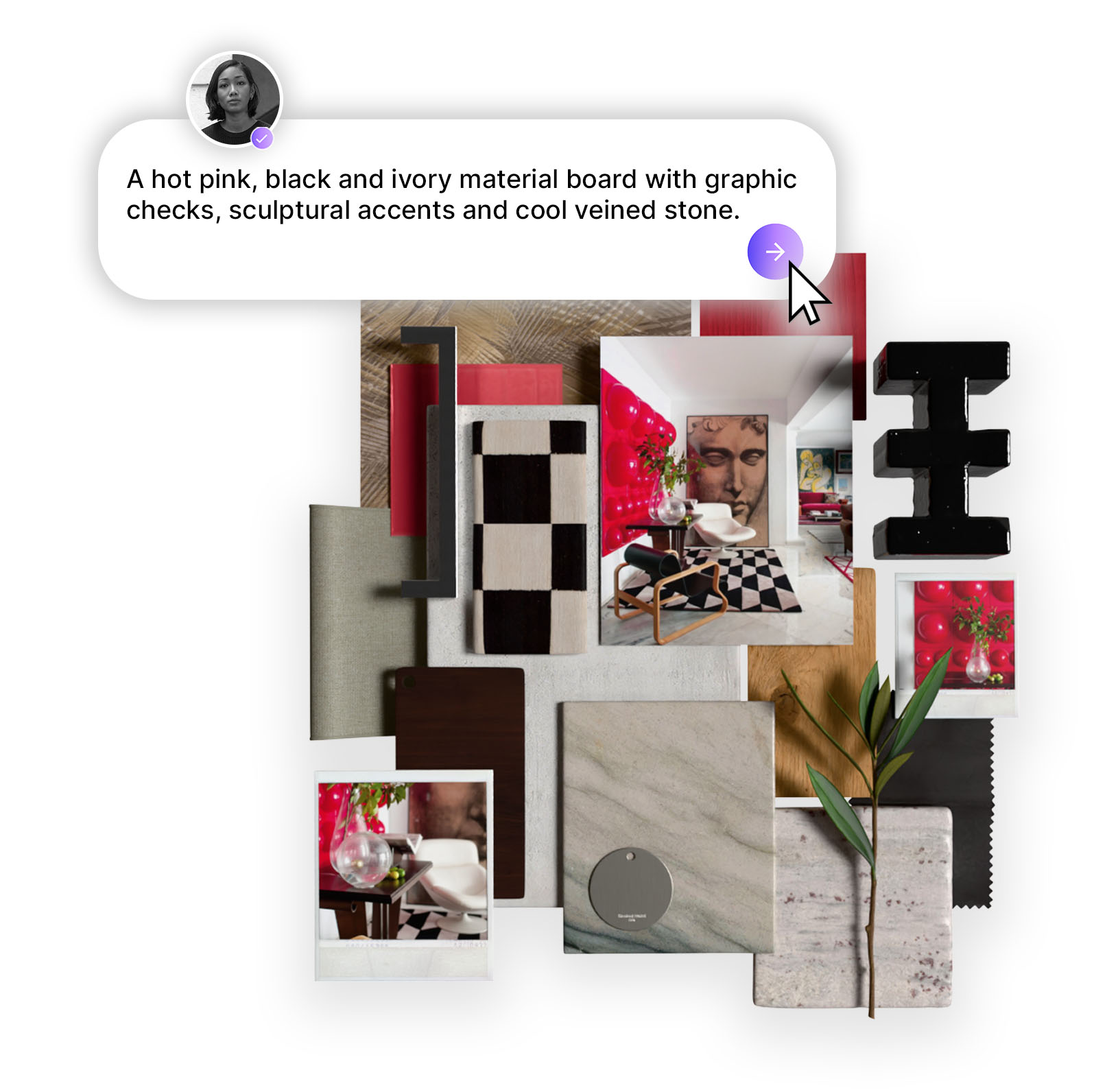
A digital moodboard is more than a collection of images—it’s a structured way to communicate ideas clearly and collaboratively. With Mattoboard, digital moodboards become a shared visual language that helps teams move faster, align better, and design with confidence.

February 11, 2026
.
3 min

What Is a Digital Moodboard?

A digital moodboard is an online visual board used to collect, organize, and present inspiration—such as images, materials, colors, and references—to define a clear creative direction. In Mattoboard, digital moodboards are structured, collaborative, and presentation-ready, helping teams align before design decisions are made.

Why Digital Moodboards Matter in Modern Design Workflows

Digital moodboards solve a core problem in creative work: misalignment.

Instead of interpreting abstract descriptions, teams see:

  • Exact references
  • Clear visual hierarchy
  • Defined materials and tones

This reduces revisions, speeds approvals, and improves collaboration—especially for distributed teams.
How a Digital Moodboard Works in Mattoboard

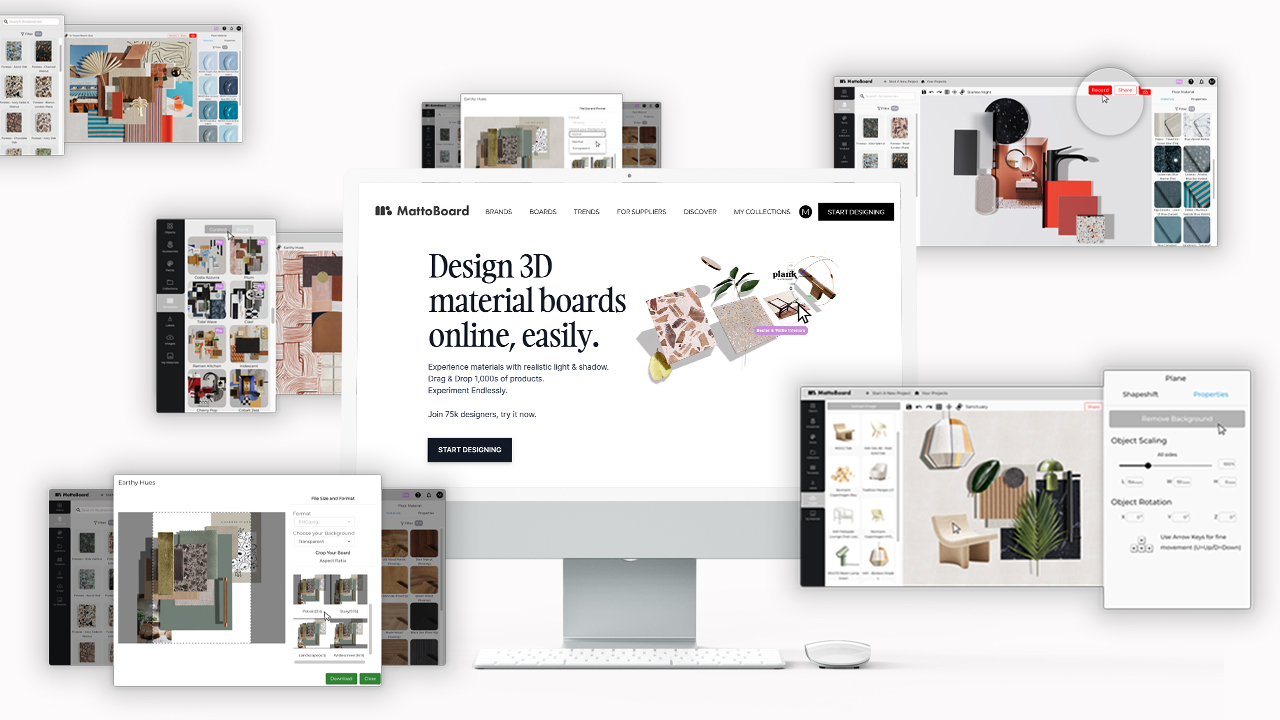
In Mattoboard, a digital moodboard works by turning inspiration into a structured visual system, not a loose collection of images.

Typical workflow:

  1. Collect visual references, materials, and ideas
  2. Organize them into grouped sections
  3. Establish hierarchy and emphasis
  4. Share the board for feedback or presentation
  5. Iterate without breaking structure

This keeps ideas flexible while maintaining clarity.

What Can You Add to a Mattoboard Digital Moodboard?

A Mattoboard digital moodboard supports more than images.

You can include:
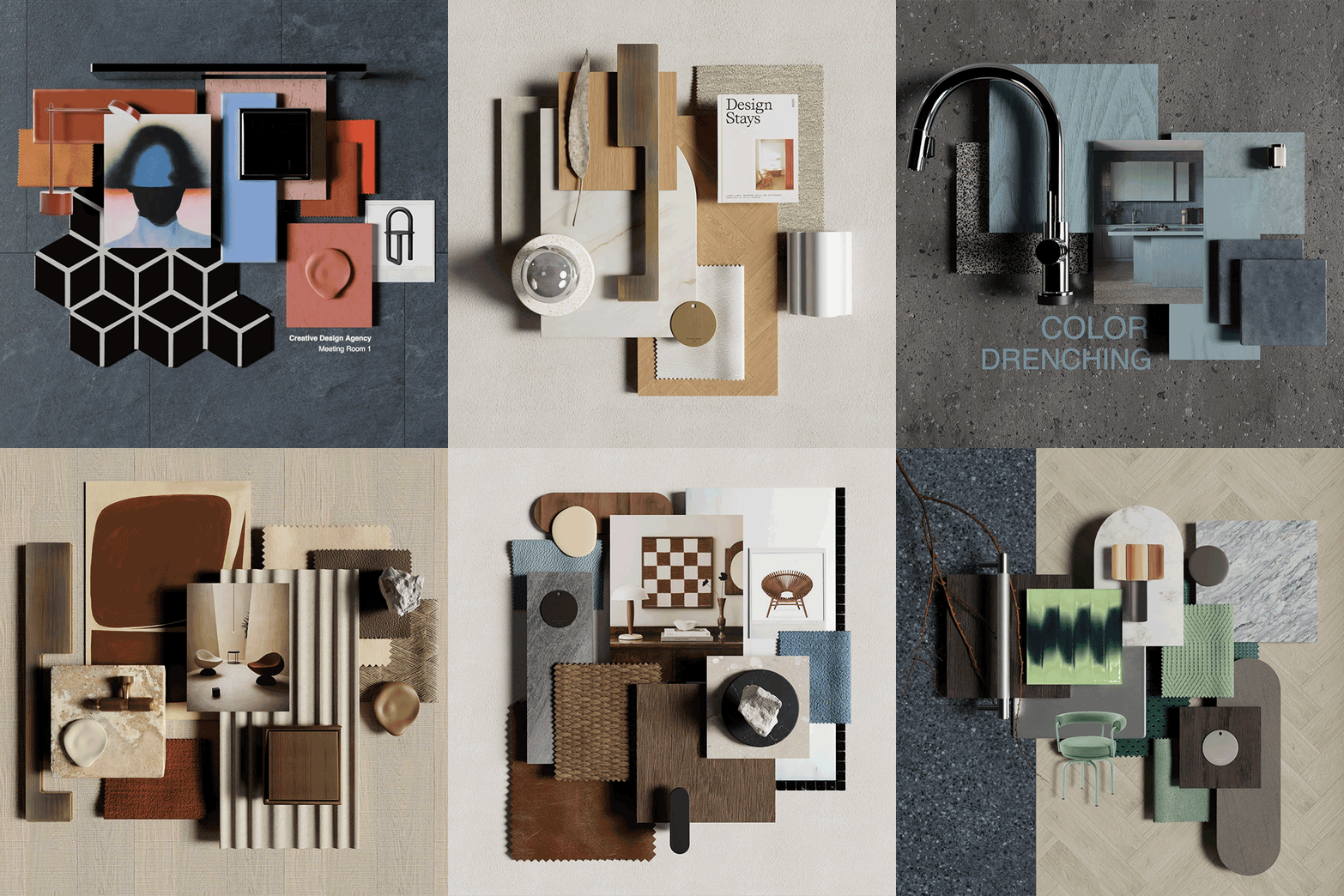
  • Reference images and photography
  • Materials and finishes
  • Color palettes
  • Textures and patterns
  • Product references
  • Notes and annotations
  • Visual groupings for concepts or zones
Everything is organized with intent—not randomness.

Who Uses Digital Moodboards in Mattoboard?

Mattoboard is built for professionals who need clarity, not chaos.

Common users include:

Any team that needs to communicate visual direction benefits from a structured digital moodboard.

Digital Moodboard vs Pinterest Boards

Pinterest boards are great for inspiration discovery—but limited for professional design workflows.

Key differences:

PinterestMattoboard Digital Moodboards
Inspiration collectingConcept development
Flat listsStructured layouts
No hierarchyVisual organization
No presentation flowClient-ready boards
Limited collaborationTeam collaboration

Mattoboard is designed for decision-making, not just inspiration saving.

Digital Moodboard vs Physical Moodboard

Physical MoodboardMattoboard Digital Moodboards
StaticEditable
Location-dependentAccessible anywhere
Hard to updateEasy to iterate
Solo-focusedTeam-friendly
Visual onlyVisual + contextual

Digital moodboards are now the default for modern teams.

When Should You Create a Digital Moodboard?

A digital moodboard should be created:
  • At the start of a project
  • Before client presentations
  • When aligning stakeholders
  • Before selecting materials or styles
  • When defining brand or spatial direction
The earlier it’s used, the more value it delivers.

What Makes Mattoboard Different From Other Moodboard Tools?

Mattoboard is not just a moodboard tool—it’s a visual organization platform.

Mattoboard helps teams:
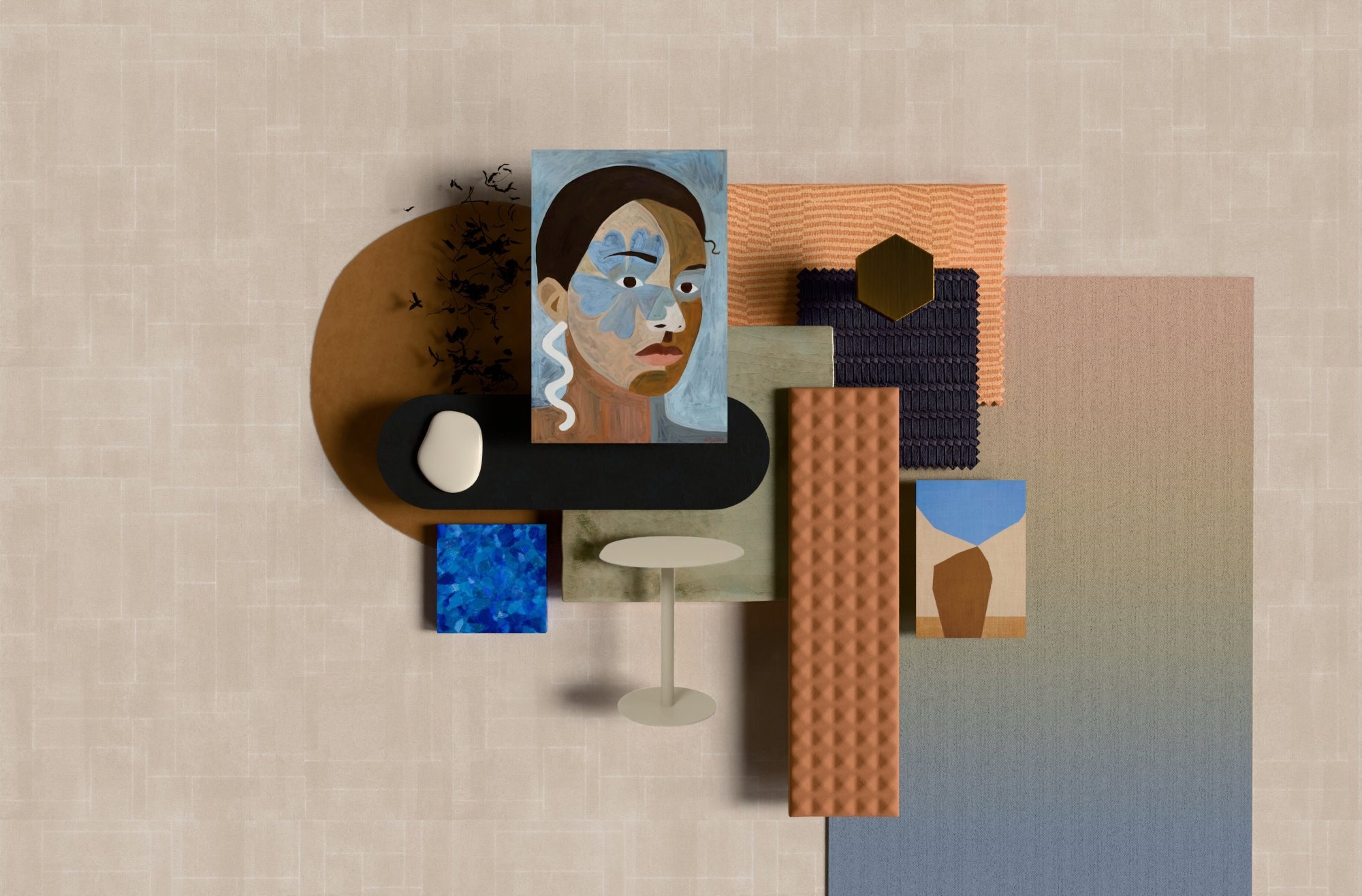
  • Organize inspiration with structure
  • Work collaboratively in real time
  • Present ideas clearly to clients or stakeholders
  • Manage materials and references in one place
It’s built for clarity, not clutter.

Is a Digital Moodboard Just for Inspiration?

No. A digital moodboard is a decision tool.

In Mattoboard, moodboards:

  • Define direction
  • Reduce ambiguity
  • Align expectations
  • Support confident design decisions

They bridge the gap between inspiration and execution.

Start Designing Now

What are you waiting for? Click ‘Start designing now’ to start creating professional 3D material boards for your interior design projects. To access MattoBoard’s full professional potential, sign up to MattoBoard Pro. Find out more here

Questions or feedback? Email us at studio@mattoboard.com

View all