Discover how Mattoboard’s DesignStream helps interior designers use AI to turn briefs and inspiration into visual concepts, material palettes, and concept boards faster.

Design workflows in interior design often begin with scattered inspiration images, references, materials, and sketches. Turning those ideas into a clear visual concept can take hours of searching, arranging, and refining before a designer even reaches the first presentation board.
AI is starting to change that early stage of the design process. Instead of manually assembling inspiration, designers can now generate concept directions that combine visuals, materials, and palettes from the start. Mattoboard’s Design Stream was built specifically to support that phase of design exploration.
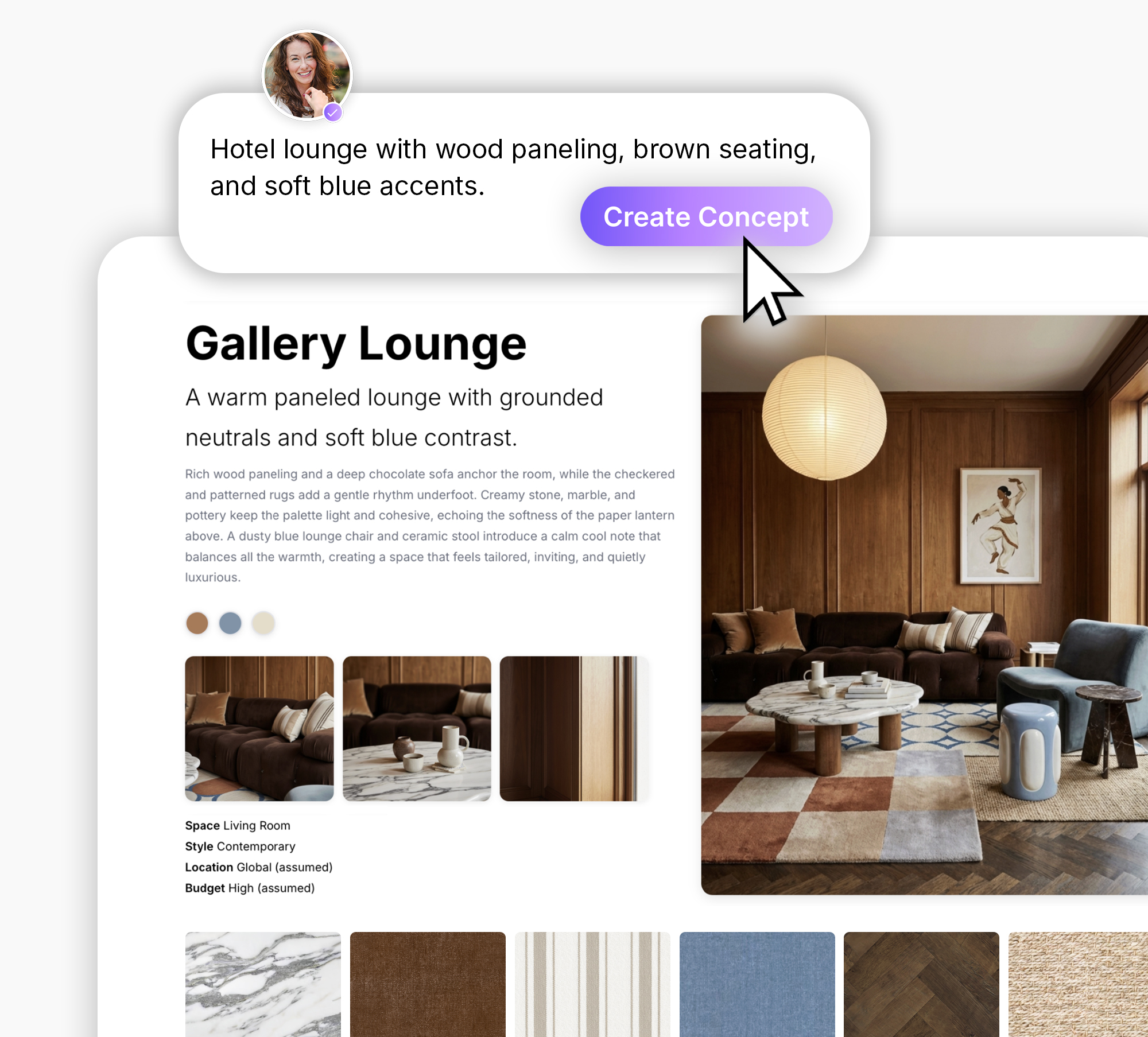
Design Stream is Mattoboard’s AI tool designed to help designers turn briefs and reference images into fully rendered spatial concepts using real materials and palettes.
Instead of starting from a blank canvas, designers can generate visual concepts, explore material combinations, and refine palettes based on mood, style, and project context.
Designers can begin with a short brief, a reference image, or a concept idea. Design Stream then generates images, material suggestions, and palette combinations that can be refined and organized into boards for collaboration and client feedback.
Design Stream helps designers:
By structuring inspiration early in the design process. Design Stream helps designers move from concept to clear design direction faster.

This process can be fragmented and repetitive. References coming from multiple sources, taking a significant amount of time to filter through before a coherent direction emerges. After collecting images, a designer still needs to arrange all this into a board to communicate the overall look, material palette and atmosphere of the space.
AI assisted concepting aims to simplify this stage of the process.
Instead of manually searching for dozens of images, designers can start with a brief, mood description or reference image and generate visual direction that combines materials, colors and spatial inspiration.
This allows designers to quickly move from scattered inspiration to a structured concept board that’s easy to share with collaborators and clients.
Designers can begin with a brief, a reference image, a concept idea or a combination of these inputs.
Design Stream analyzes the input and creates images, material suggestions and palette ideas with real world materials available in MattoBoard.
Adjustments can be made for the mood, material and layout to explore variation and refine the concept.
Once satisfied, these can be structured into a board that combines visuals, material and references along with a Material Sheet.
These can then be shared across teams or clients to align on design direction early.
Many AI tools can generate images, but Design Stream focuses on design exploration rather than standalone images.
The goal is not just to create images, but to help designers organize inspiration, materials and palettes into a clear design direction using real materials that can be shared and refined within a real project workflow.
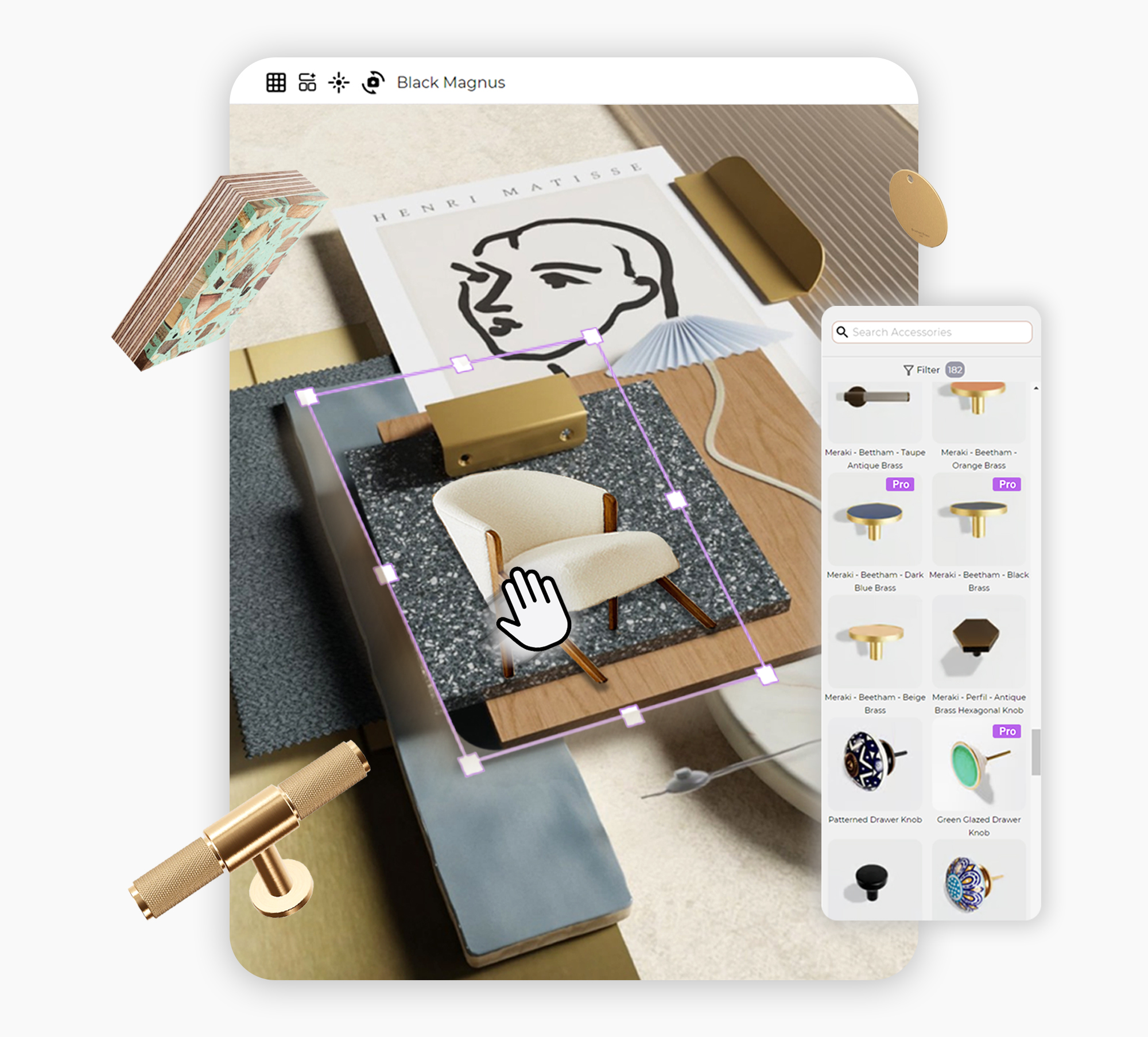
Design Stream is most useful during the concept development phase, when designers are exploring mood, visual direction and materials before moving into detailed specifications.
By quickly structuring inspiration, teams can align faster on the overall look and feel of a project.
The Future of AI-Assisted Concepting
AI tools are beginning to reshape how designers explore ideas. The goal is not to replace creativity or designers, but to support the early stages of design thinking.
Tools like Design Stream help designers visualize ideas faster, iterate more easily, and turn inspiration into structured design direction.
As the design process continues to evolve, AI-assisted concepting may become the natural starting point turning ideas and inspirations into clear design direction from the very beginning.