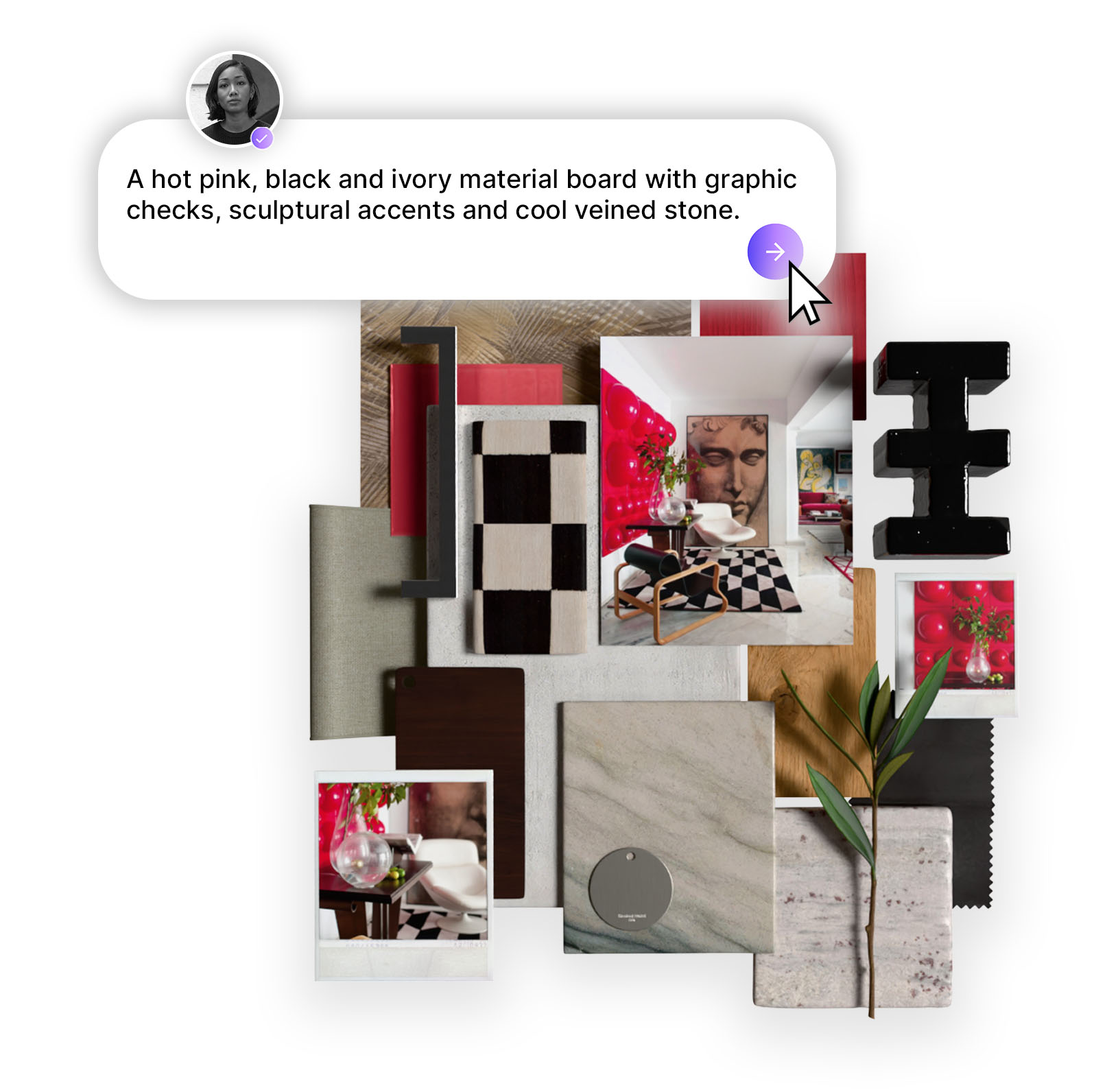
From a curated template library to smarter image tagging and a home page that finally sets you in the right direction - here's everything that's new in Design Stream this week
The best creative sessions start before you've typed a single word. These four updates are about lowering the barrier to that first moment - giving you a beautiful starting point when you need one, keeping your materials connected as you move from concept to board, and making sure the home page actually reflects what you came to do.
Here's what's new:

Sometimes the hardest part is the blank prompt. Templates solve that. You can now browse a curated library of beautifully generated concepts - from stylish kitchens and warm living rooms to chic offices and considered retail spaces - and use any of them as your starting point.
When you select a template, we pre-fill the prompt bar for you with a prompt that will generate a similar space.
Tweak it as much or as little as you like, then generate. Whether you're looking for prompt inspiration, a reference for a client aesthetic, or simply a jumping-off point when you're not sure where to begin, templates give you a head start without locking you in. New templates are added regularly so there’s always fresh inspiration for your next project.
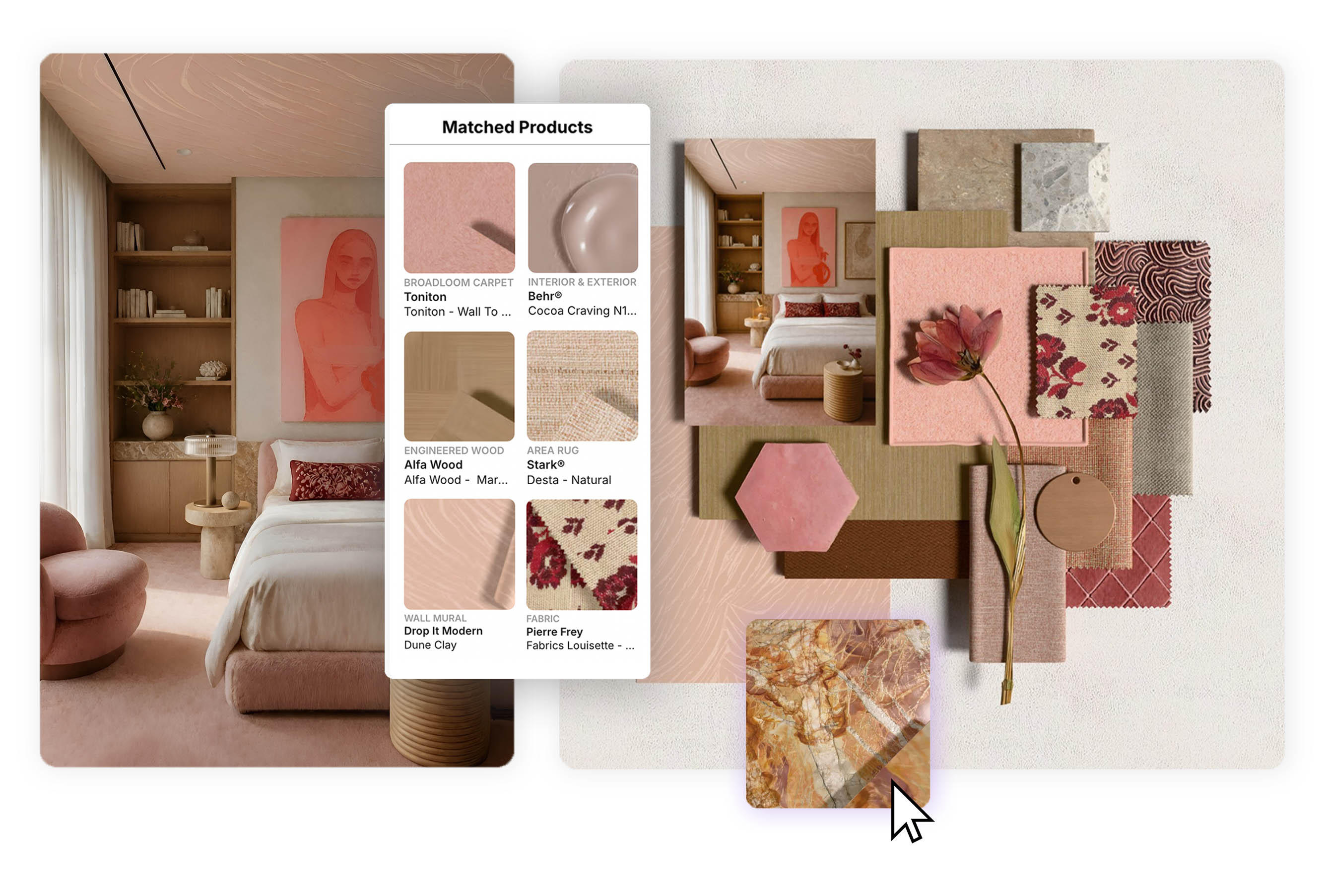
When you start a board from a concept, the matched products from that concept now travel with it automatically. No re-sourcing, no lost context - the materials that were suggested and selected for your concept are right there in the board, ready to be refined, swapped, or built upon.
This continuity holds even after the board is saved. The matched products of the originating concept persist, so you always have access to the full material story - whether you're revisiting a project days later or handing it off to someone else on your team.
The goal is a seamless thread from first concept to final board, with your material decisions intact at every step.

From the moment you log in, MattoBoard now asks the right question: what are you here to make? The new home page gives you three clear paths - generate a concept, edit an exisitng image, or create a moodboard - so you can move directly into the right tool without a detour. Your intent is set from the start, and our interface responds accordingly.
It's a small change that makes the whole experience feel considerably more intentional - and gets you into the work faster.

Your image library grows fast. Finding the right upload later - the furniture piece, the floor plan sketch, the inspiration photo - used to mean scrolling through everything. Not any more. You can now tag images at the point of upload, categorising them so they're easy to filter and find whenever you need them.
When you upload an image to a board, simply select the category that best describes it:
Once tagged, your images are filterable in the Images tab of your library. Pull up all your furniture pieces for a project, find every floor plan across your boards, or isolate inspiration imagery in a single click. The more you tag, the more useful your library becomes.
All four updates are live now. Log in to explore the new home page, browse the template library, or start a board from a concept and see your matched materials carry through.
Start designing at Mattoboard.com
Want a feature we don't have yet? Drop us a line at studio@mattoboard.com
.png)