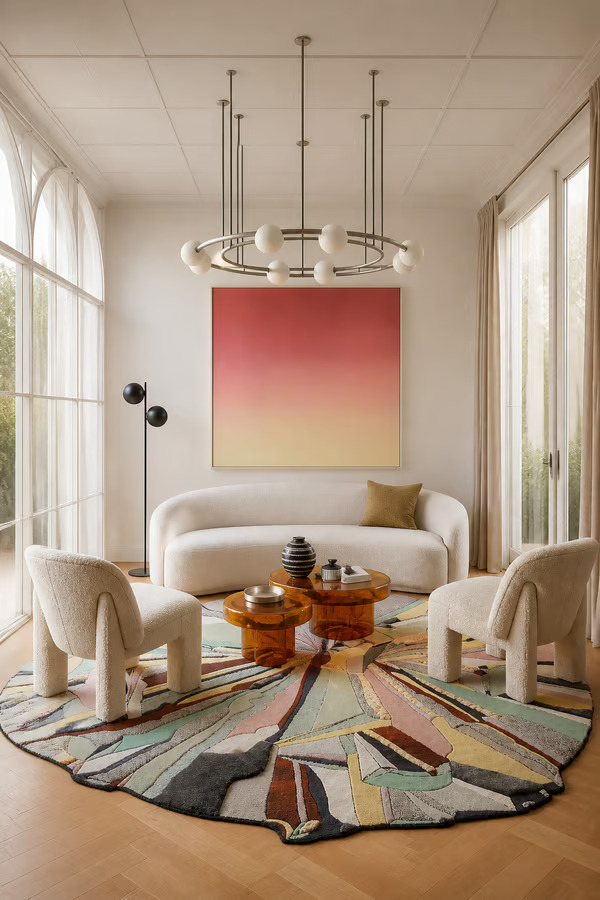
Generate a 3D material board straight from a prompt, never lose your work with autosave, and enjoy a noticeably faster, smoother MattoBoard experience across tools.
This update is about removing friction. The step between having an idea and having a board to show for it just got a lot shorter — and while you're waiting for Design Stream to work, we'll make sure you're not just sitting there staring at a loading screen.
Here's everything that's new this week:
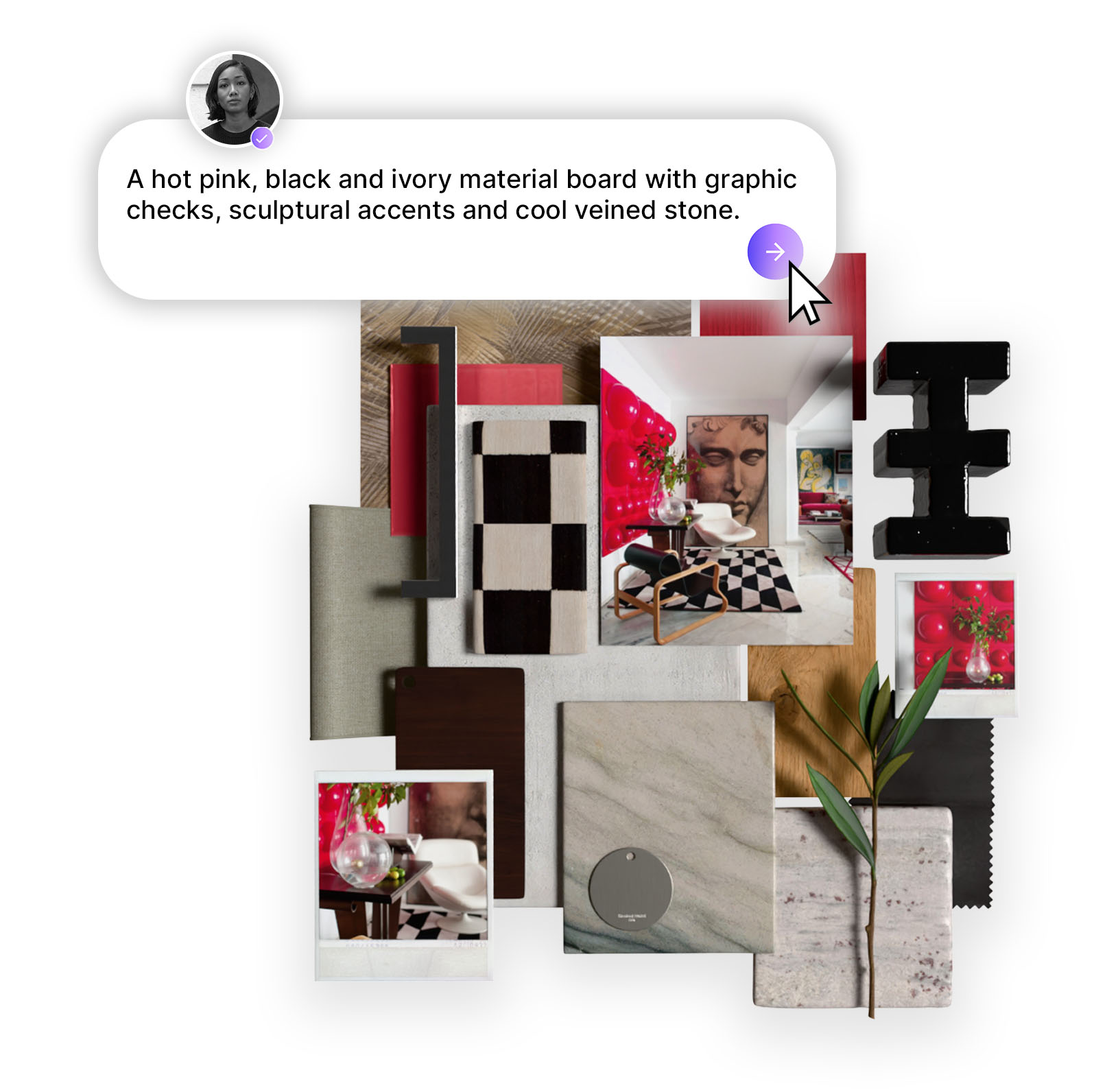
Until now, creating a moodboard in Design Stream meant one of two things: generating an interior concept first and auto-generating your board from there, or starting a board completely from scratch. Both work - but neither is quite as immediate as having an idea and wanting a board right now.
That's changed. You can now go from prompt straight into a moodboard in a single click. Type what you're imagining, add reference images and Design Stream will generate a material board along with a curated set of matched materials to get you started. From there, you have access to our library of over 50,000 branded materials to build out, refine, and shape the board into something that's exactly right for your project. It's the fastest route from brief to board we've ever offered - and the branded material library and recommended materials means you're never starting from zero.
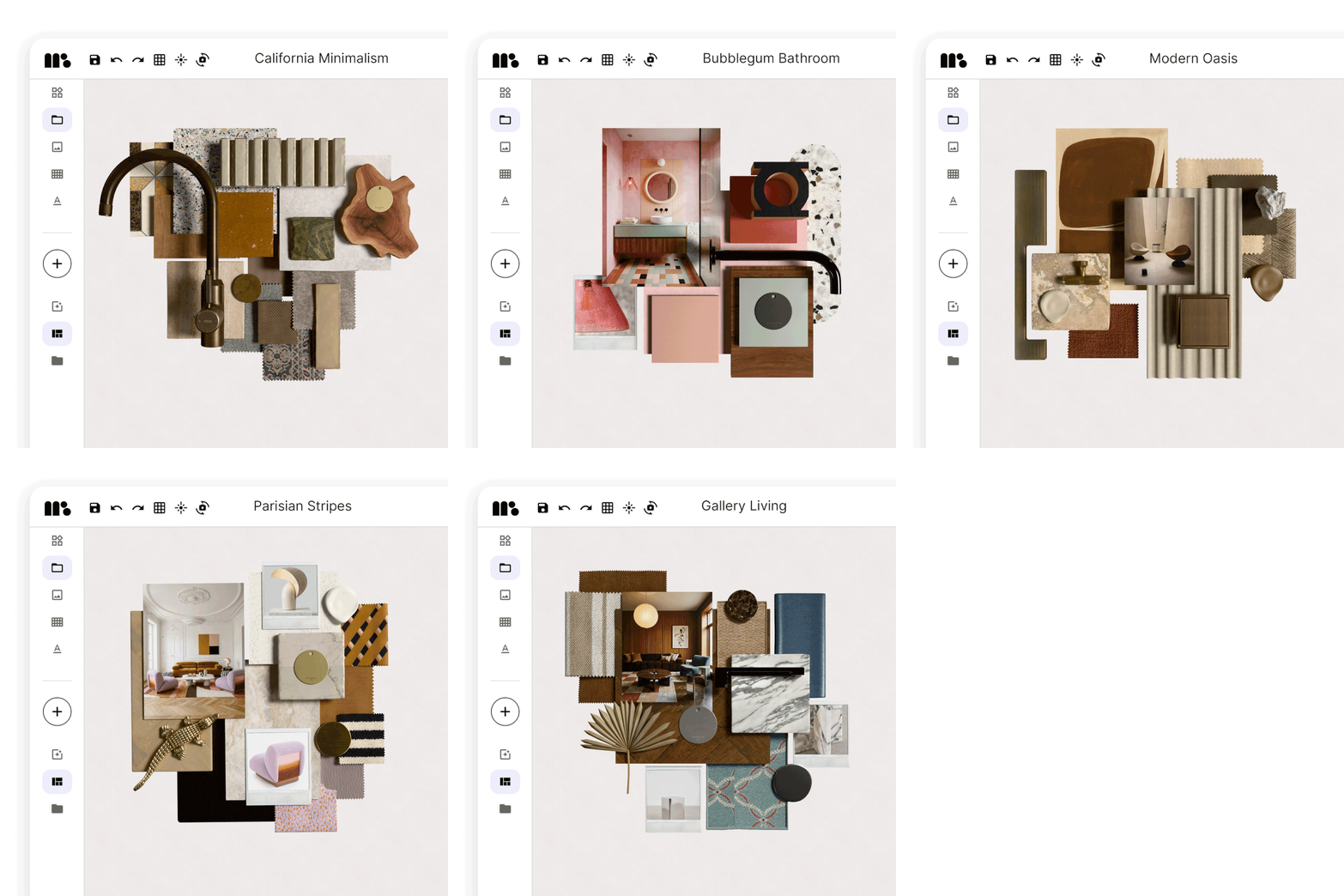
Losing work you've just done is one of the most frustrating things that can happen mid-project. It shouldn't happen, and now it won't. The board creator now autosaves as you go, so every layout decision, material swap, and image placement is preserved without you having to think about it. Close the tab, lose your connection, get pulled into a client call — your board will be exactly where you left it when you come back. No more hitting save after every move. Just design.
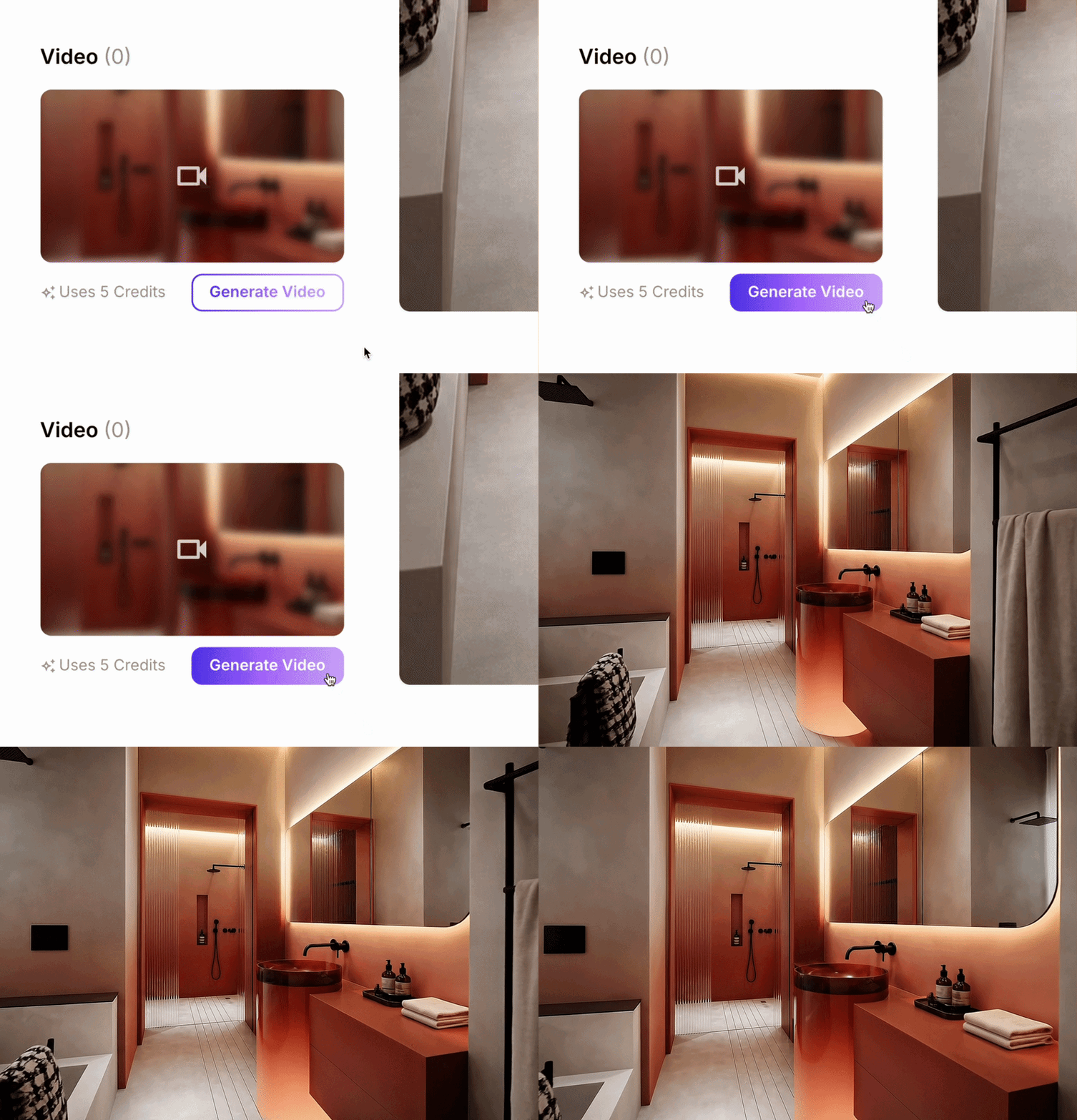
Turning a concept image into a video is one of the most impressive things you can do in a client presentation. It's now also one of the faster ones. Video generation has been significantly sped up, so you spend less time waiting and more time sharing work you're proud of.
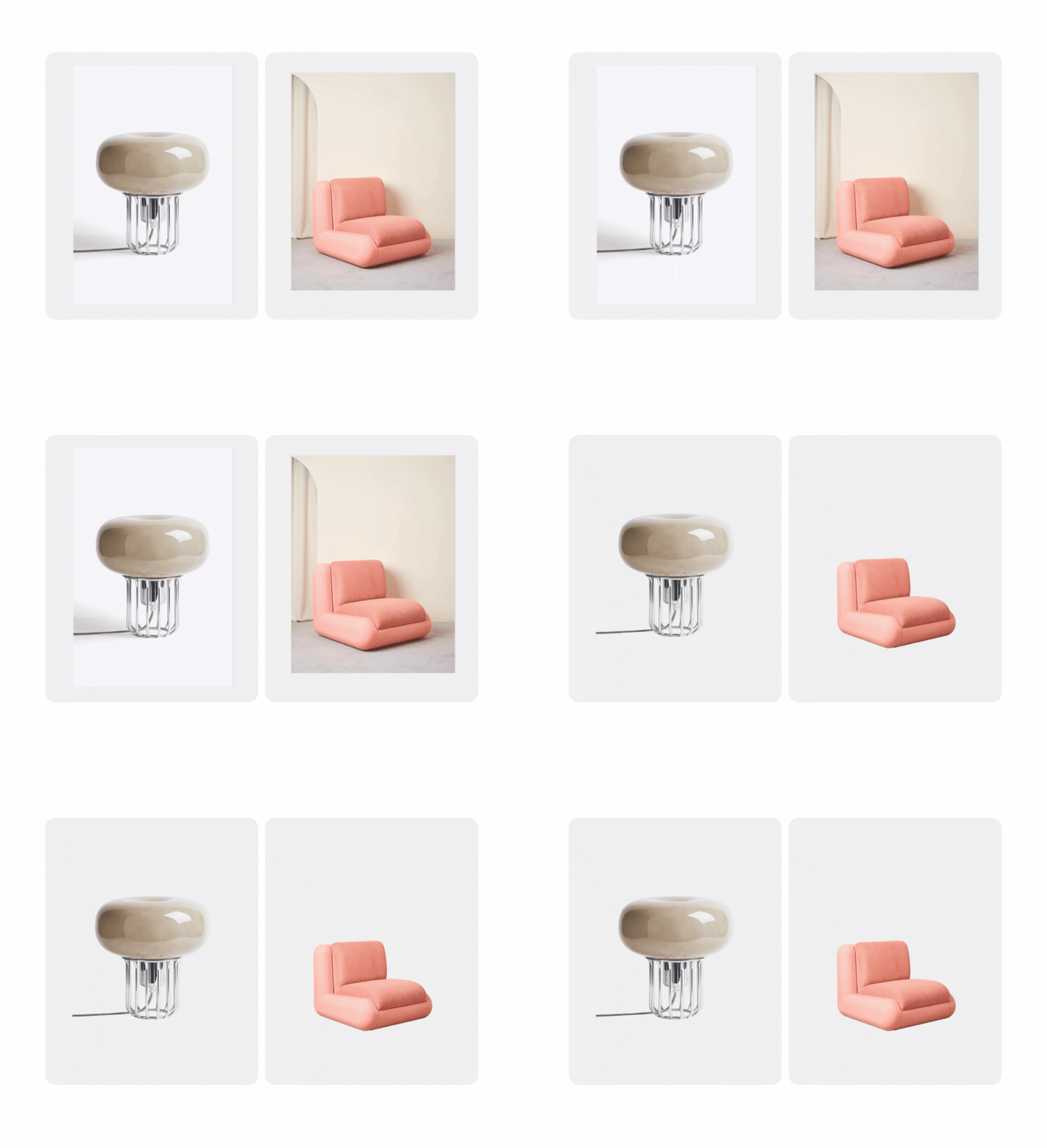
Removing backgrounds from images in the moodboard creator is now noticeably faster — and meaningfully more accurate. Clean edges, less cleanup, and no waiting around. Whether you're isolating a furniture piece, a material sample, or a product shot, the result lands closer to what you need, sooner.
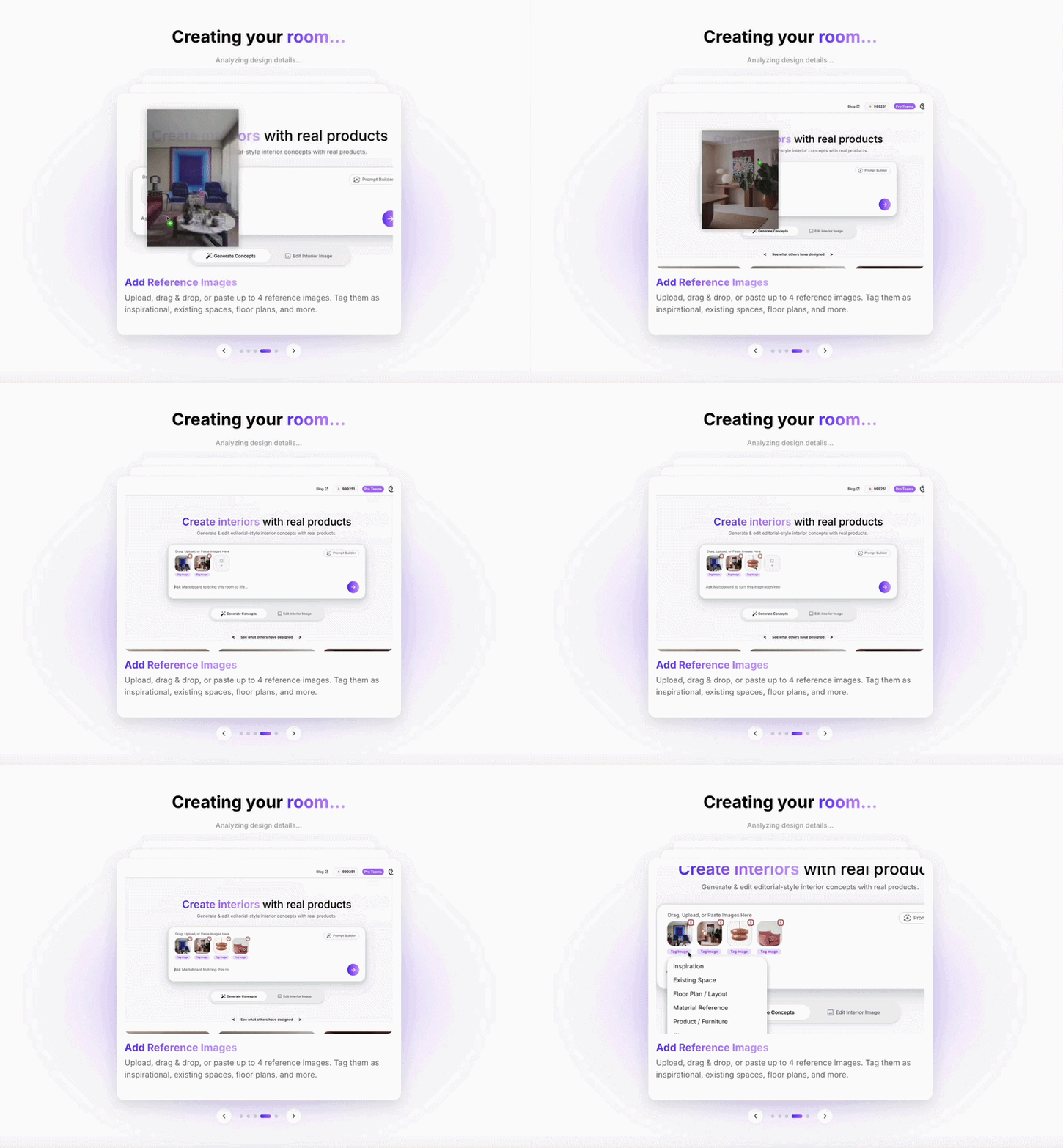
While Design Stream generates your concept, we'll now show you tips and tricks for getting the most out of the platform. Prompting techniques, workflow shortcuts, features you might not have found yet — useful things to read rather than a blank loading screen.
All five updates are live now. Jump into the board creator to try prompt-to-board generation, or open an existing project and notice how much smoother everything feels.
.png)