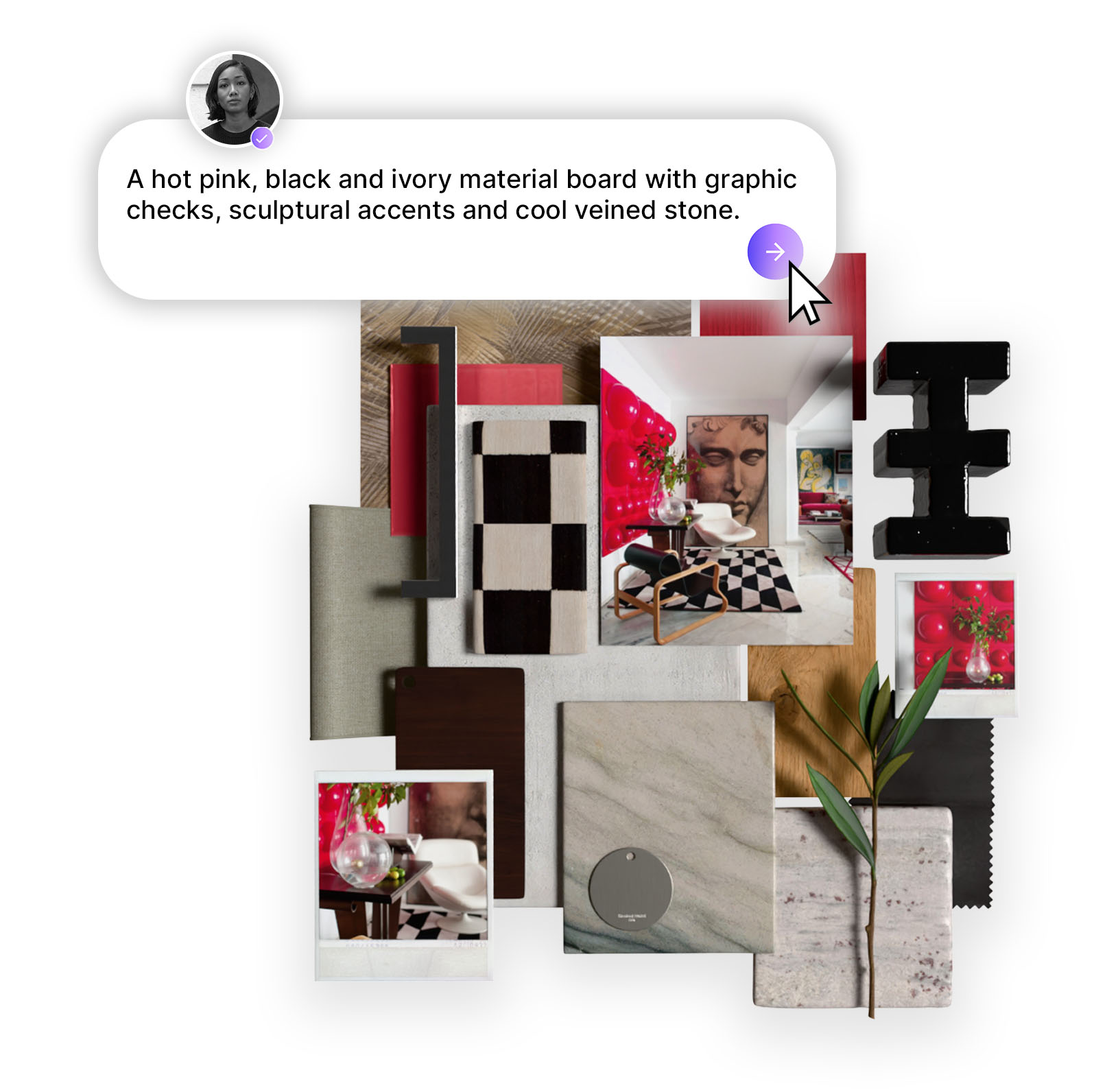
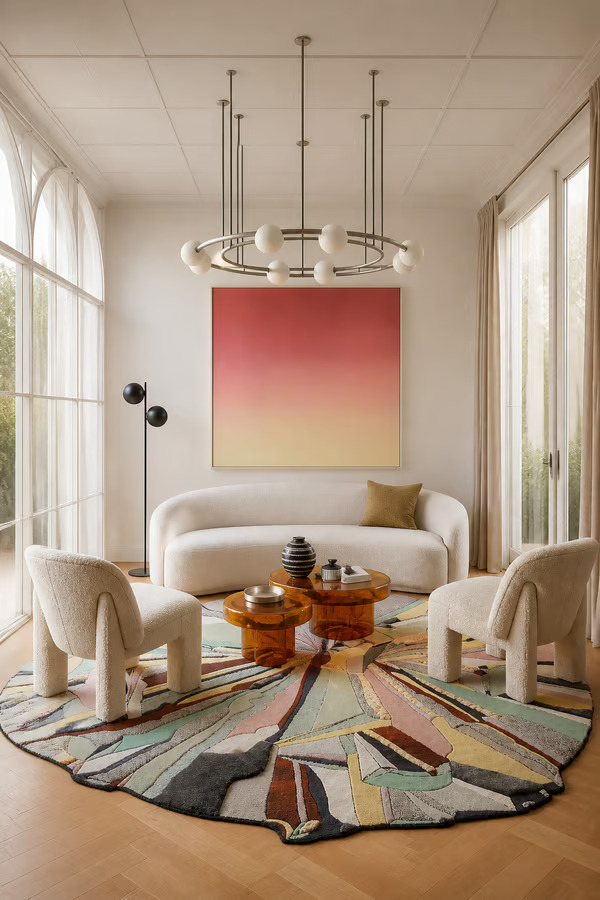
MattoBoard’s latest release connects the interior design workflow from product discovery through to procurement. Search the branded materials library using natural language, move products into boards, collections and projects, then build detailed schedules with pricing, specifications and financials, all in one place.

Every interior designer knows the moment. The concept is beautiful, the client is sold, and then the real work begins. Products need to be sourced, SKUs checked, prices gathered and schedules built in a format that clients, suppliers and procurement teams can actually use.
It is the part of the process that rarely makes it into the portfolio, but it is where a significant amount of time is spent.
Our latest release connects more of that workflow inside MattoBoard. Designers can now search the full branded materials library using natural language, move selected products into boards and collections, organise everything within a project, and build detailed schedules with pricing and technical information.
From the first product search to the final procurement document, here is everything that is new:
.gif)
The full MattoBoard branded materials library now has its own dedicated space, making it possible to discover and source products without opening a mood board first.
More importantly, the search experience has been designed around how interior designers actually look for materials and products.
Designers rarely search using a single generic keyword. They might begin with a material, color or atmosphere, then narrow the results by brand, application, price or region. With MattoBoard’s new search feature, you can describe what you are looking for in your own words. Search for “warm neutral laminate”, then filter the results by a specific brand such as Formica. Look for a named product with a search such as “Calacatta Viola marble slab”, then narrow the options by region, price and other product details.
You can also search across a wider design direction. A request such as “terracotta inspired kitchen with matching tiles, wallpaper and handles” can help you explore coordinated products across multiple categories. This makes the Library useful whether you already know the exact product you need or are still exploring the wider material direction for a room.
Faceted filters allow you to refine results by brand, category, color, application, region, price and other available product information. Open a product directly from its thumbnail to review its full details, then follow the link to the brand’s own website when you are ready to find out more.
You can also select multiple products and add them directly to a material collection, making it easier to develop a palette without moving between separate boards or browser tabs.

Product discovery is not a separate step inside MattoBoard. Search results feed directly into the tools designers already use throughout the project.
Products found in the Library can be added to:
Find a product, explore how it works with other selections, place it into a board, then carry it into a project schedule with pricing and technical specifications.
This creates a clearer route from early inspiration to specification. Instead of finding a product in one tool, visualising it in another and rebuilding its information in a spreadsheet, each selection can continue through the project inside MattoBoard.
A product can begin as part of an exploratory collection, move into a client facing board, and later become a priced line item within the project schedule.
The creative work and the practical project information remain connected.
Every project eventually reaches the same handover point. The concept has been approved, and someone now needs to turn it into a working document containing product information, pricing, quantities and technical specifications.
This often means copying information from mood boards and supplier websites into a separate spreadsheet, then updating that spreadsheet manually whenever a product changes.
MattoBoard closes that gap.
.png)
Build the schedule inside the same project as your concept and board, carrying selected products into the schedule without retyping their details from scratch.
Your concepts, boards, products and procurement information can now live together, making it easier to see what has been selected and what still needs to be confirmed.
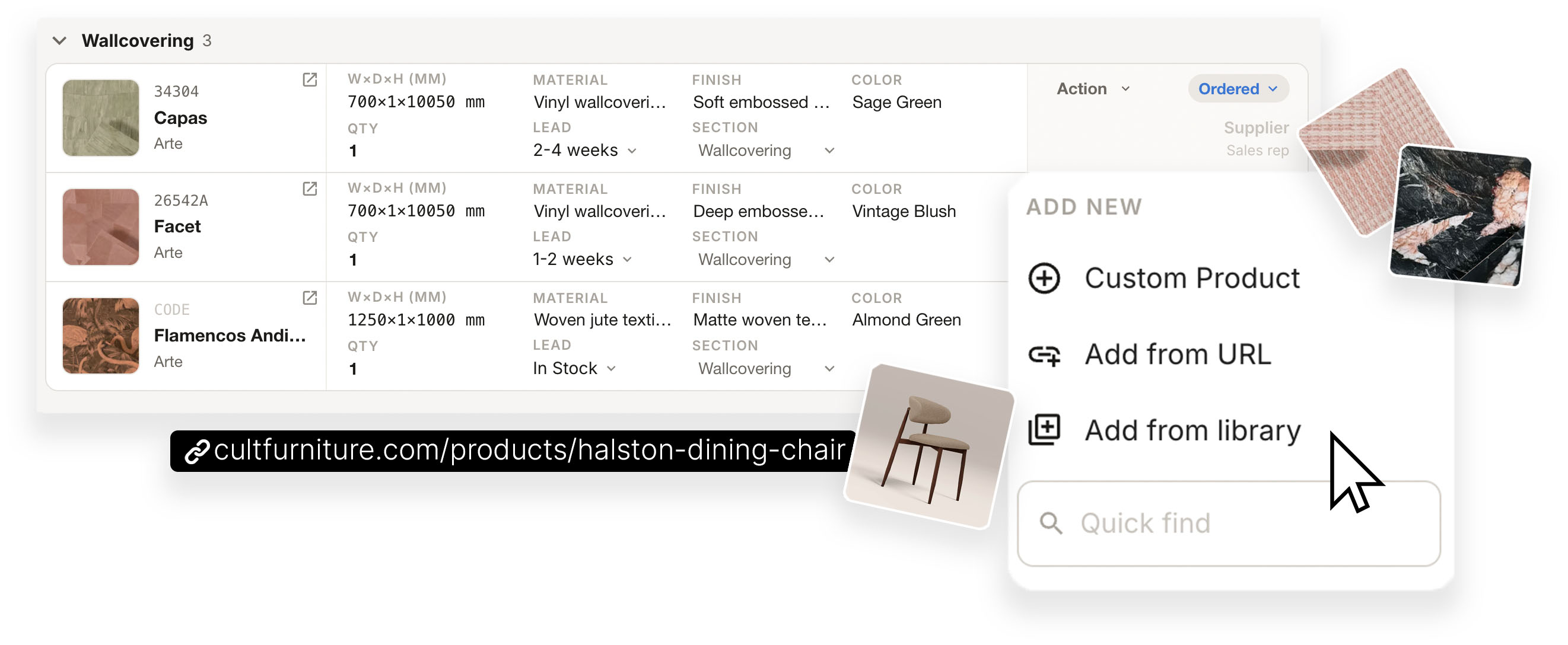
Build a product entry from scratch and add the information you already have, including its name, supplier, dimensions, finish, pricing and technical details.
Paste a supplier or product link to bring an externally sourced item into the schedule.
Choose a product directly from MattoBoard’s branded materials catalogue and place it into the relevant schedule.
Jump directly to an existing product when you already know exactly what you are looking for.
This means the schedule is not limited to products within the MattoBoard Library. Branded materials, supplier products and custom items can all be organised within the same document.

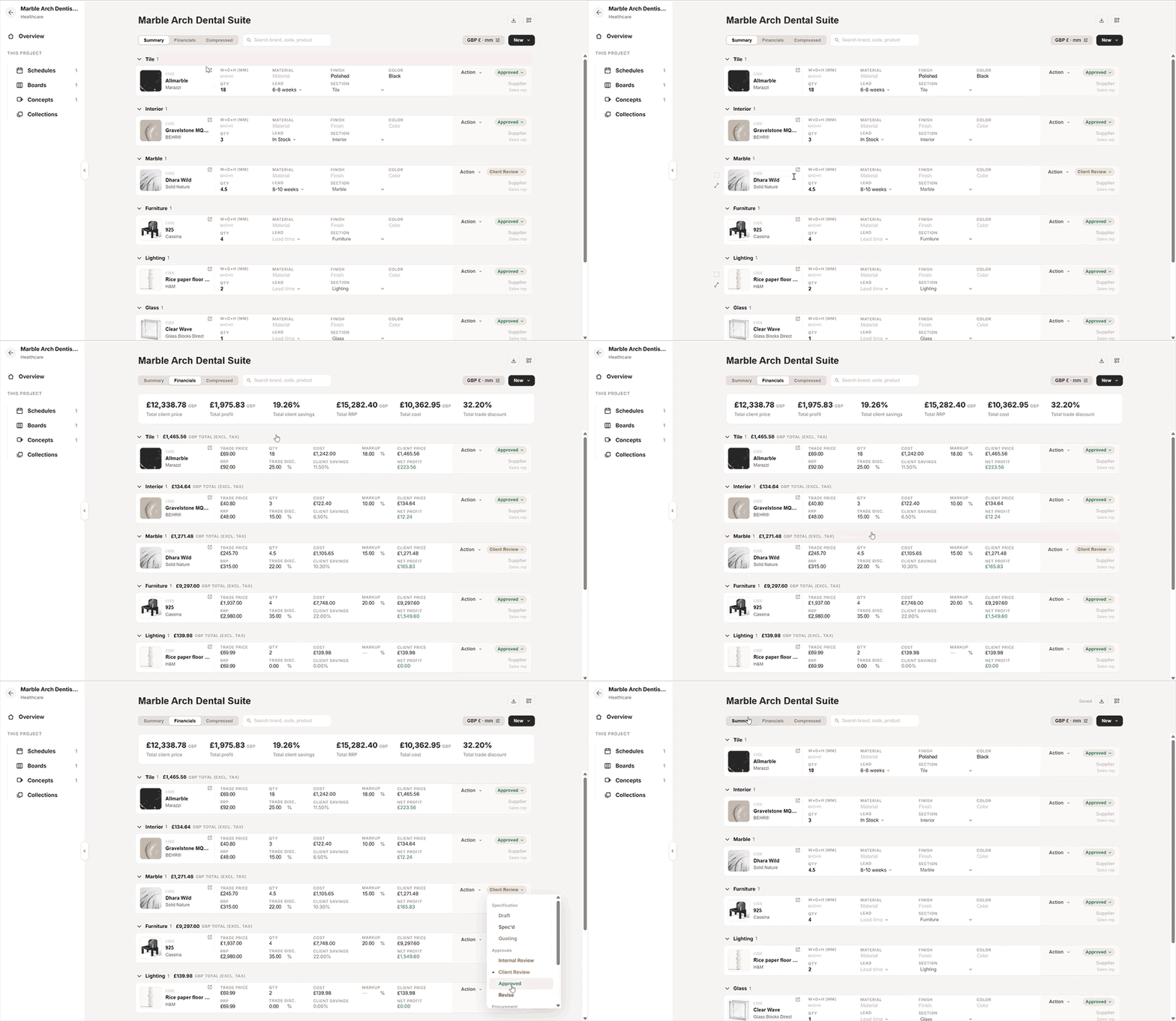
Switch to the Financials view and the schedule calculates the commercial details of the project as products are added.
Review the total RRP, cost, client price, profit, client savings and trade discount for the schedule as a whole, alongside the calculations for each individual line item.
Markup and net profit are calculated within MattoBoard, removing the need to build and maintain separate spreadsheet formulas.
This gives designers a clearer understanding of the project’s financial position while the specification is still being developed, rather than waiting until every item has been transferred into an external document.
Once the schedule is ready, export it as a clean PDF for client presentations or as a working Excel file for procurement. You can choose which columns are included in each export, allowing the same schedule to produce different documents for different audiences.A client version might focus on product names, imagery, finishes and client pricing. A supplier or procurement version can include quantities, SKUs, costs, technical specifications and lead times. The information remains consistent, while each recipient only sees the details that are relevant to them.
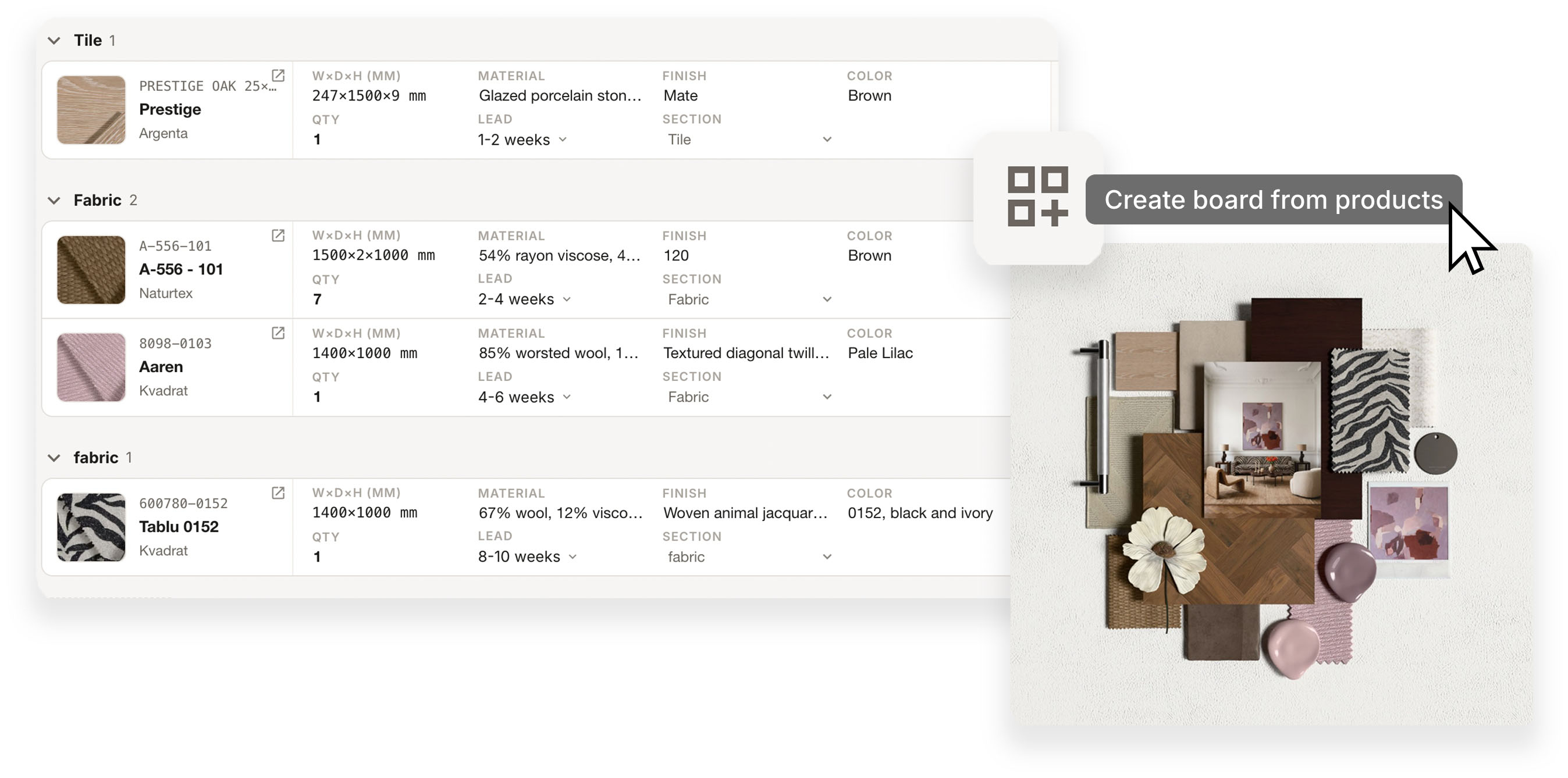
The workflow also works in reverse.Once products have been organised within a schedule, one click can turn those selections into a MattoBoard board. There is no need to download the product images, upload them again or rebuild the selection manually. The products already contained within the schedule can become the foundation of a visual material board.
This makes it easier to move between visual decision making and detailed specification as the project develops.
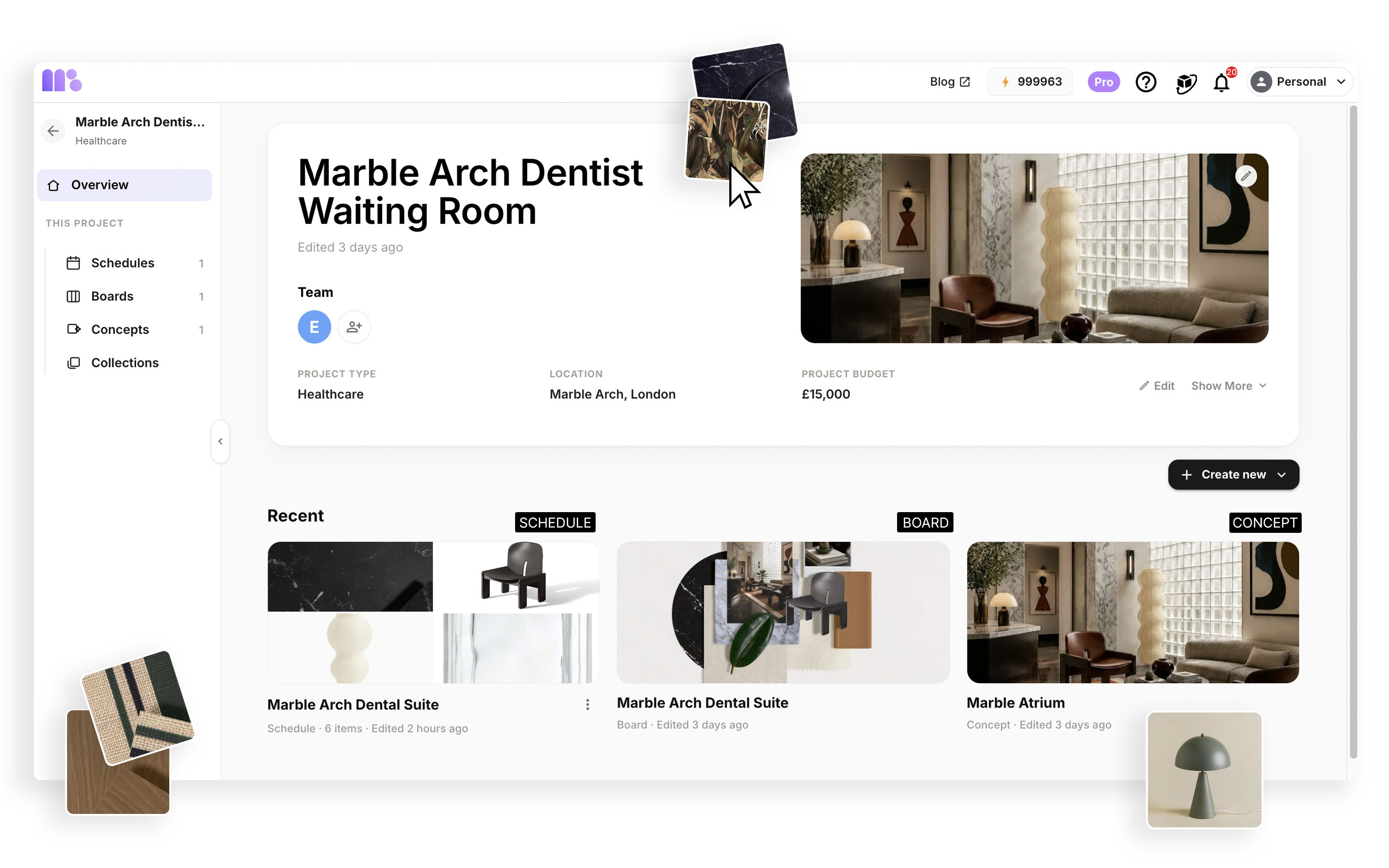
Every interior project has multiple moving parts. Concepts are developed, boards are shared, material collections grow and schedules evolve as decisions are made. When each part of the process lives in a separate file or platform, finding the current version can become a task in itself.
MattoBoard Projects gives everything one home.
Group every concept, board, material collection and schedule under a single project, so the full design story remains organised from exploration through to specification. Add deadlines, target completion dates and project phases to keep track of progress at a glance. Invite team members directly into the project so everyone can work from the same live information rather than passing different versions of files back and forth.
The result is one connected workspace for discovering products, developing concepts, presenting selections and preparing the information needed to purchase them. From search to schedule, the design work and the purchasing paperwork finally live in the same place.
.png)