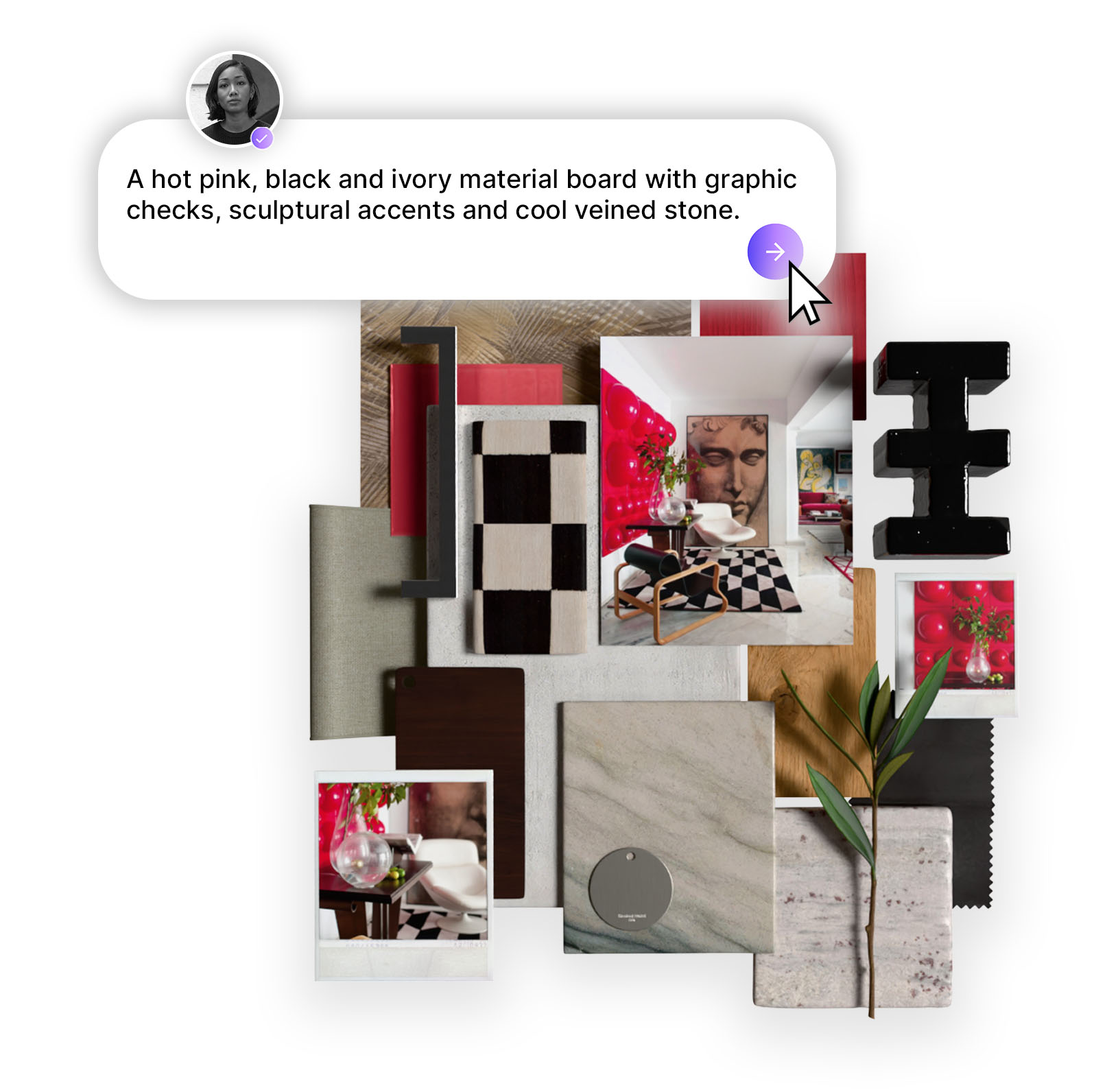
MattoBoard for SketchUp brings 50,000+ real, sourceable materials and products directly into your model. Search naturally, preview true-to-life 3D samples, apply products at real-world scale, and keep every selection connected to your MattoBoard boards, collections, FF&E schedules and final visuals. From first concept to client presentation, the extension creates a more connected workflow built around real materials.
.png)
Our new extension brings more than 50,000 real, sourceable materials and products from hundreds of A&D brands straight into your model as true-to-life 3D virtual samples. Search in your own words, apply real products in 3D, and connect every selection to your boards, schedules and photorealistic visuals in MattoBoard, the first full visual curation studio.
Every design eventually needs to move from an idea into a three-dimensional space. For many designers, that happens in SketchUp. But while the model takes shape there, material selection often happens elsewhere, across supplier websites, sample orders, spreadsheets and presentation files. Generic textures are used as placeholders in the model, while the real products are sourced and specified separately.
MattoBoard for SketchUp brings those decisions back into the model itself through virtual sampling. From the first search to the final client presentation, the library stops being a separate step and becomes part of how you design. Here is what changes when your library and your model work together.
.png)
Design decisions should begin with real materials, not placeholders.
Every material in MattoBoard's library is a real product from a real brand, across fabrics, tiles, stone, wood, paint, wallpaper, hardware and more. This is virtual sampling: before you order a single physical sample, preview each material as a true-to-life 3D sample, shown on a shape suited to its category, and see how it responds to light and shadow.
Then bring it into your model. Materials import in one click at real-world scale, and can be applied straight to the faces you have selected. 3D products, such as a door handle or a mixer tap, arrive as components ready to place. What you see in your model is something you can source.
.png)
Interior designers rarely begin with a product name. A design usually starts with a feeling, a color story or a handful of words, such as natural brass, stone, wood and rattan for a bathroom.
MattoBoard's search is built around that way of working. Describe what you need in your own words, or upload an interior image that inspires you and get a matching palette of materials and products. Then refine by category, brand, color, usage, application, region and price.
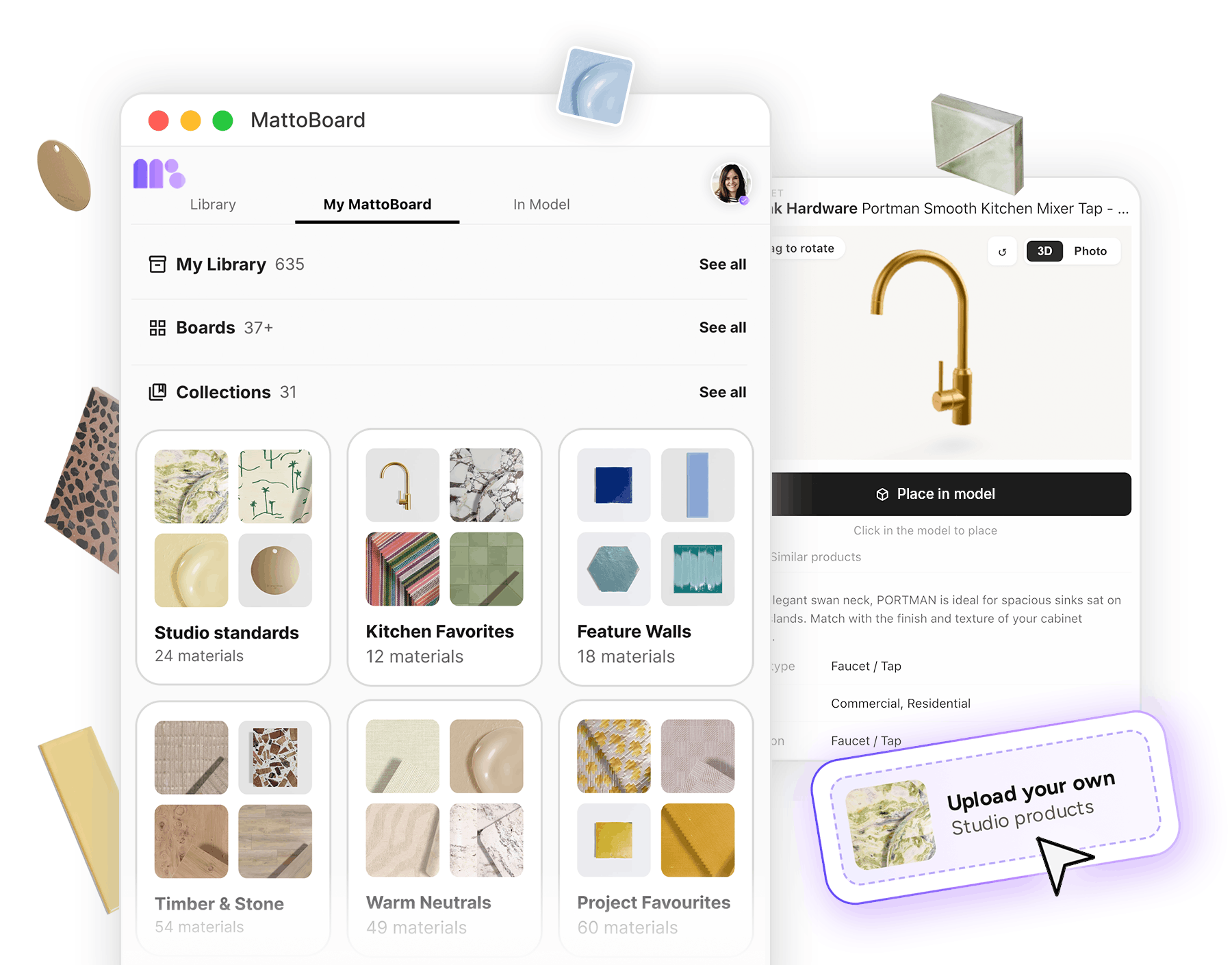
Behind every search sits the largest A&D 3D material library of real-world virtual samples. Each product comes with its specification details, a link to the manufacturer's website and a route to contact the supplier.
Found something close but not quite right? Similar products are one click away. Then, when a material feels right, keep it close: save it to a board, collection or schedule the moment you find it, without leaving SketchUp.
With MattoBoard Pro, your whole MattoBoard library comes with you. Your boards, collections and FF&E schedules sit alongside everything you have made your own: the materials you have uploaded, the paints you have mixed and the products you have clipped from the web. Studio favorites, client palettes and the shortlist for a single room are all close at hand, ready to utilize in your model.
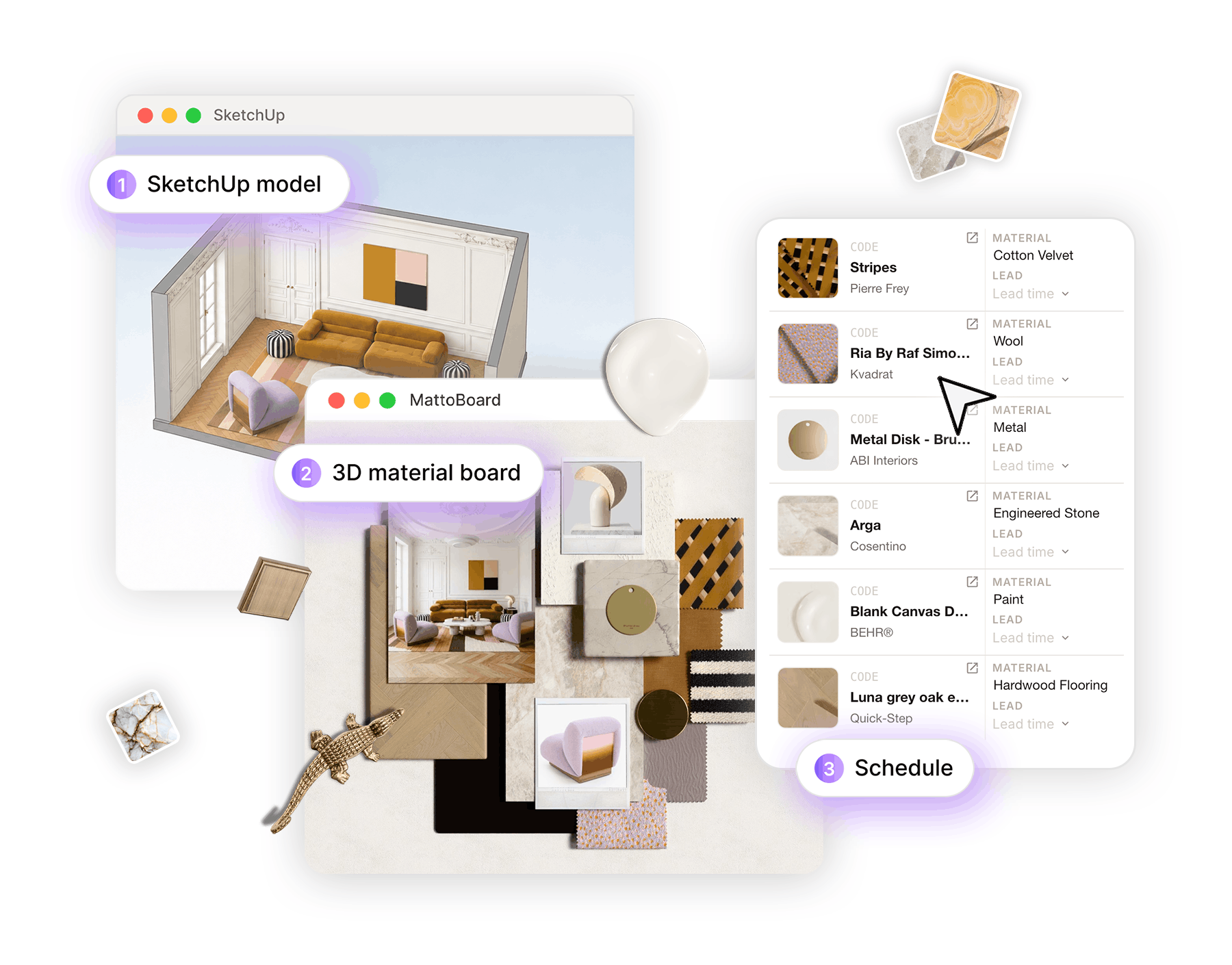
The materials you select in SketchUp don't just stay in SketchUp. The 'In Model' tab shows every MattoBoard product you have used in the model.
From there, add those materials to a collection, create a board, or send them to a project schedule. MattoBoard opens and builds a full 3D material board from your model's selections, ready for you to rearrange, layer with your own imagery and present to clients. The decisions you made in 3D become client-ready work without work having to be repeated. The model, board and schedule stay connected.
.png)
The extension is one part of MattoBoard, the first full visual curation studio. SketchUp is where you work with materials in 3D in a model setting; MattoBoard is the connected studio around it.
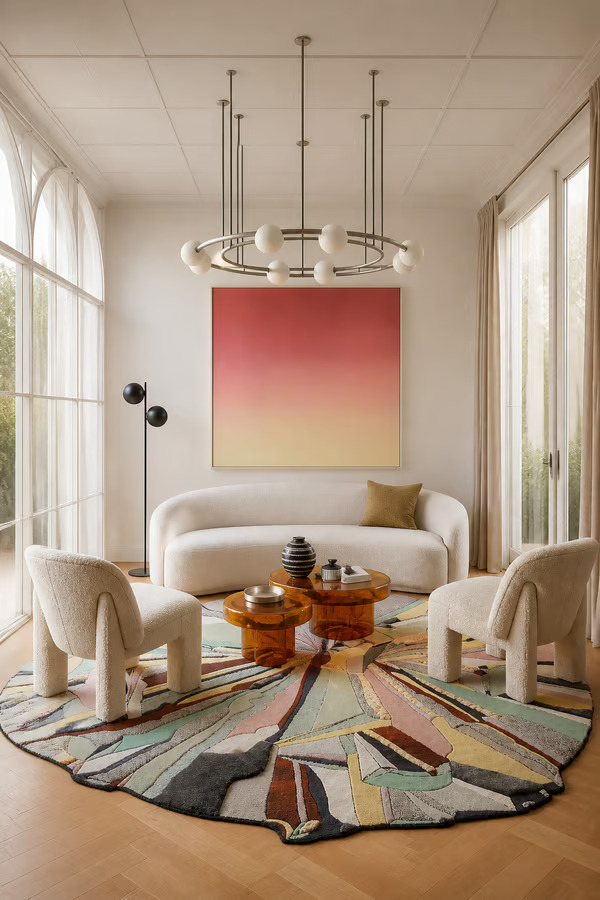
Take a view of your SketchUp model and use it as a layout reference in MattoBoard for a photorealistic editorial image of your design, complete with material close-ups and a video of the space. In the image editor, swap a feature wall for another stone or place a new chair, then turn the result into a 3D material board.
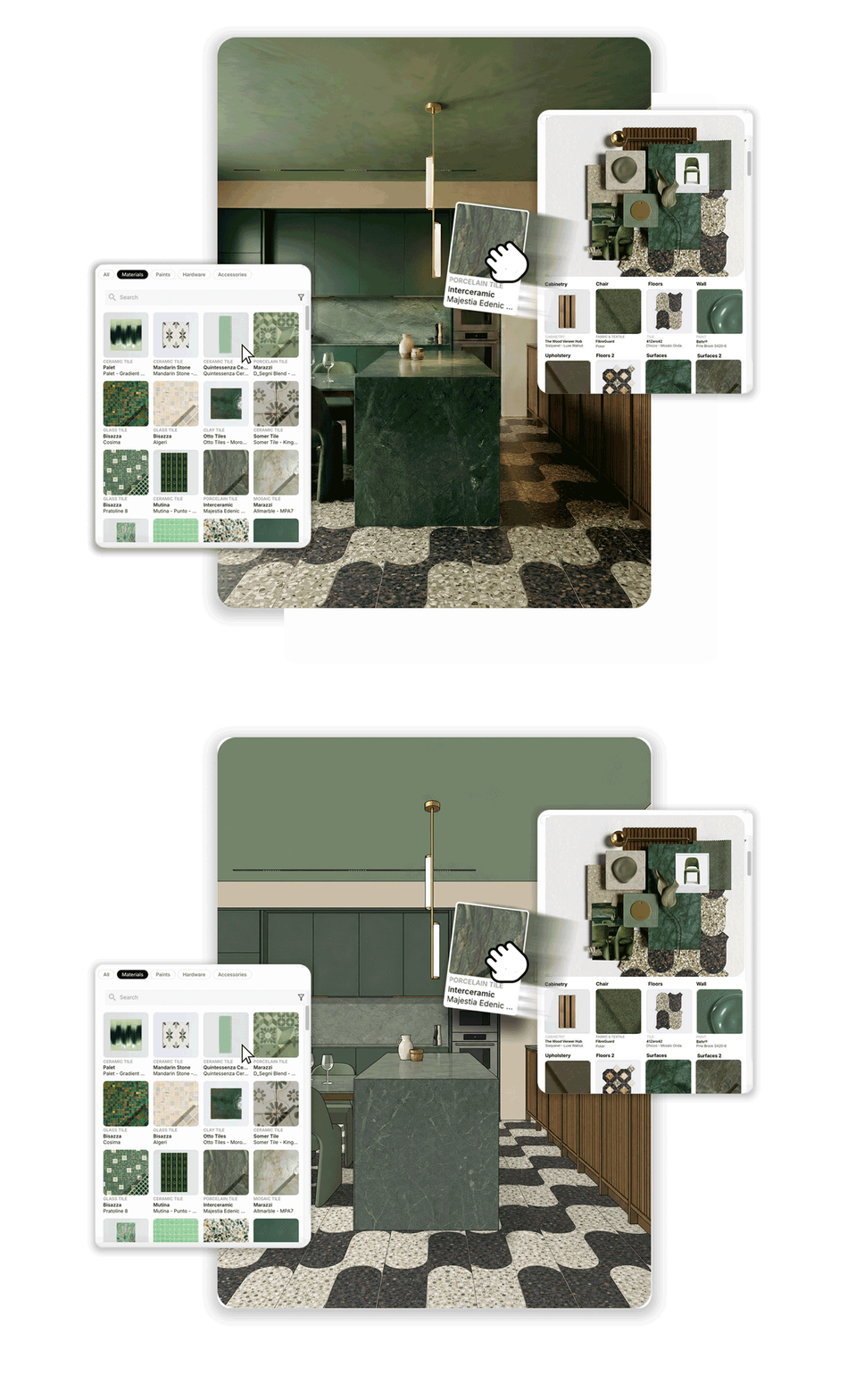
From discovery to model, board, schedule and final visuals, every step works from the same real materials. And good design decisions are easier to make when you are working with the real thing.
Join 300k+ designers already using virtual sampling with MattoBoard, and experiment with real brands in SketchUp before you order the real samples.