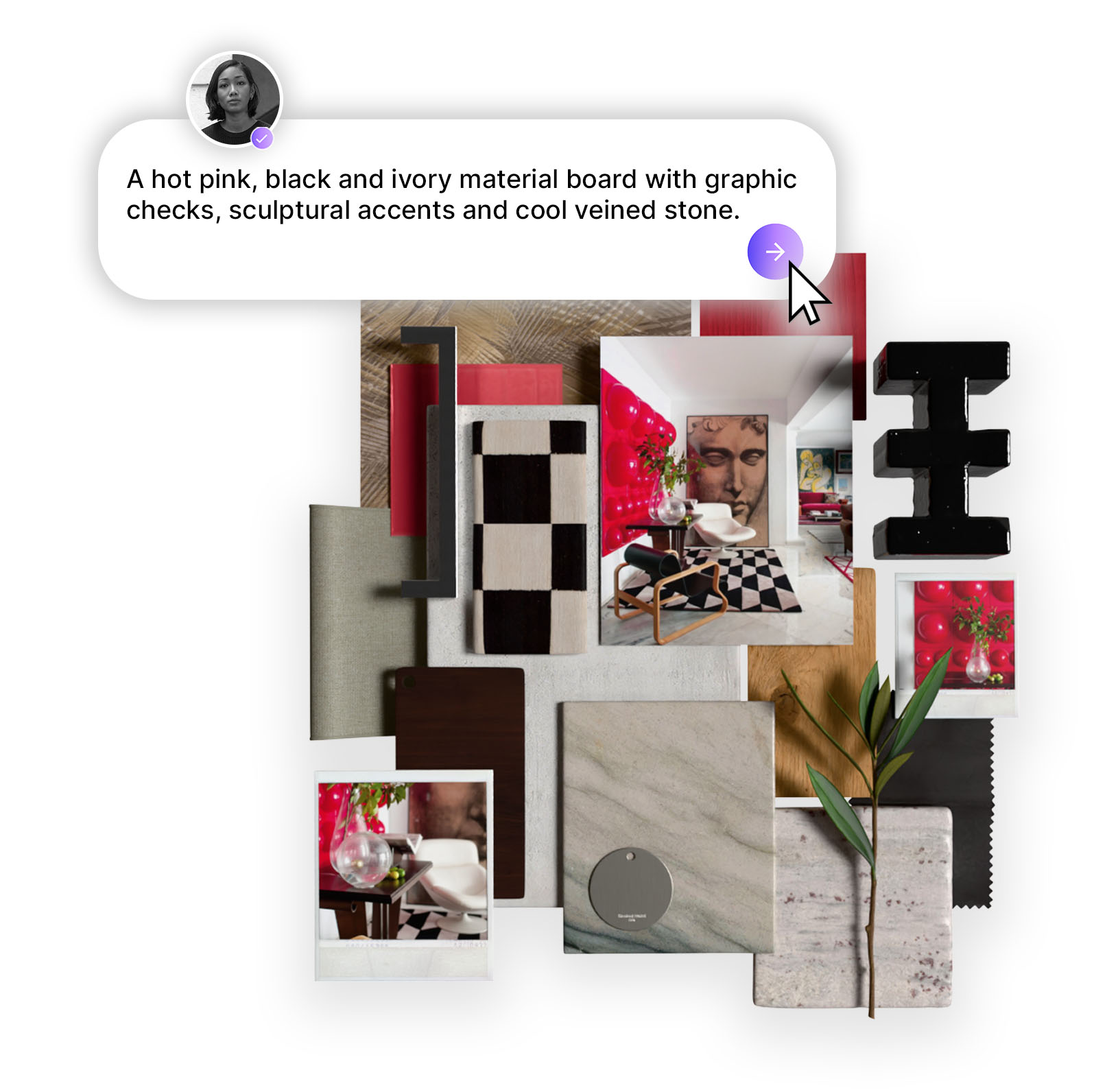
Four new features that take your concepts from idea to presentation-ready: editorial close-ups, image enhancement, more materials, and your full material sheet right inside the concept.
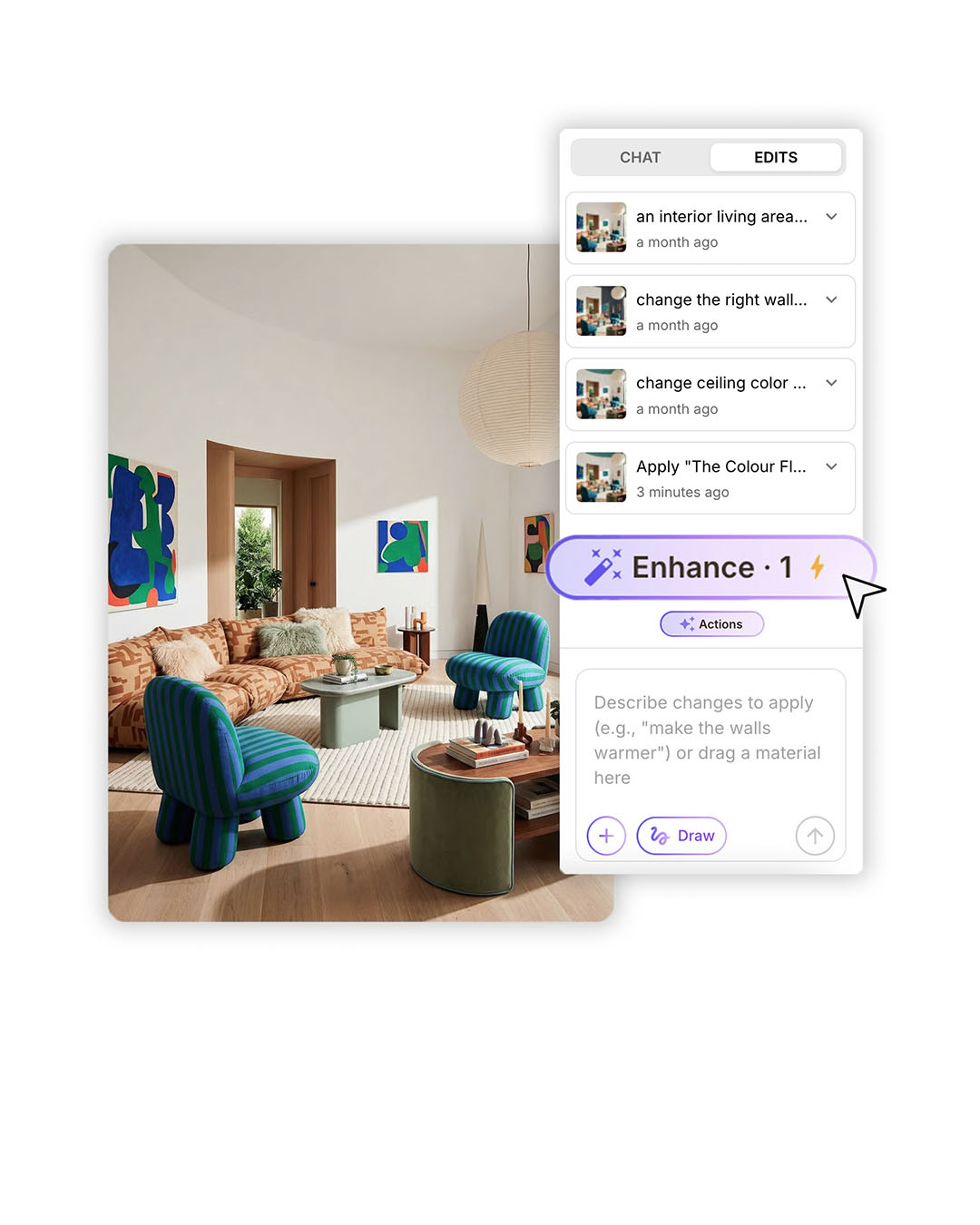
Four new features that take your concepts from idea to presentation-ready: editorial close-ups, image enhancement, richer materials, and your full material sheet right inside the concept.
Design Stream was built to take you from brief to concept as fast as your imagination moves. These four updates push that further - giving your concepts more depth, your images more polish, and your material palette more range, so that what you share with clients looks exactly the way you imagined it.
Here's everything that's new this week, and how to find it.

The hero image captures the room. But the details - a grain of stone, a weave of fabric, the gloss on a handle - are often what convinces a client. Design Stream now generates beautifully composed editorial close-ups directly from your concept, highlighting the textures, materials, and design moments that give a space its character.
You'll find these alongside your hero image on the concept page. Regenerate as many times as you need, and edit the prompt to dial in exactly the shot you're after. Think of them as the detailed photography that rounds out any great concept presentation.
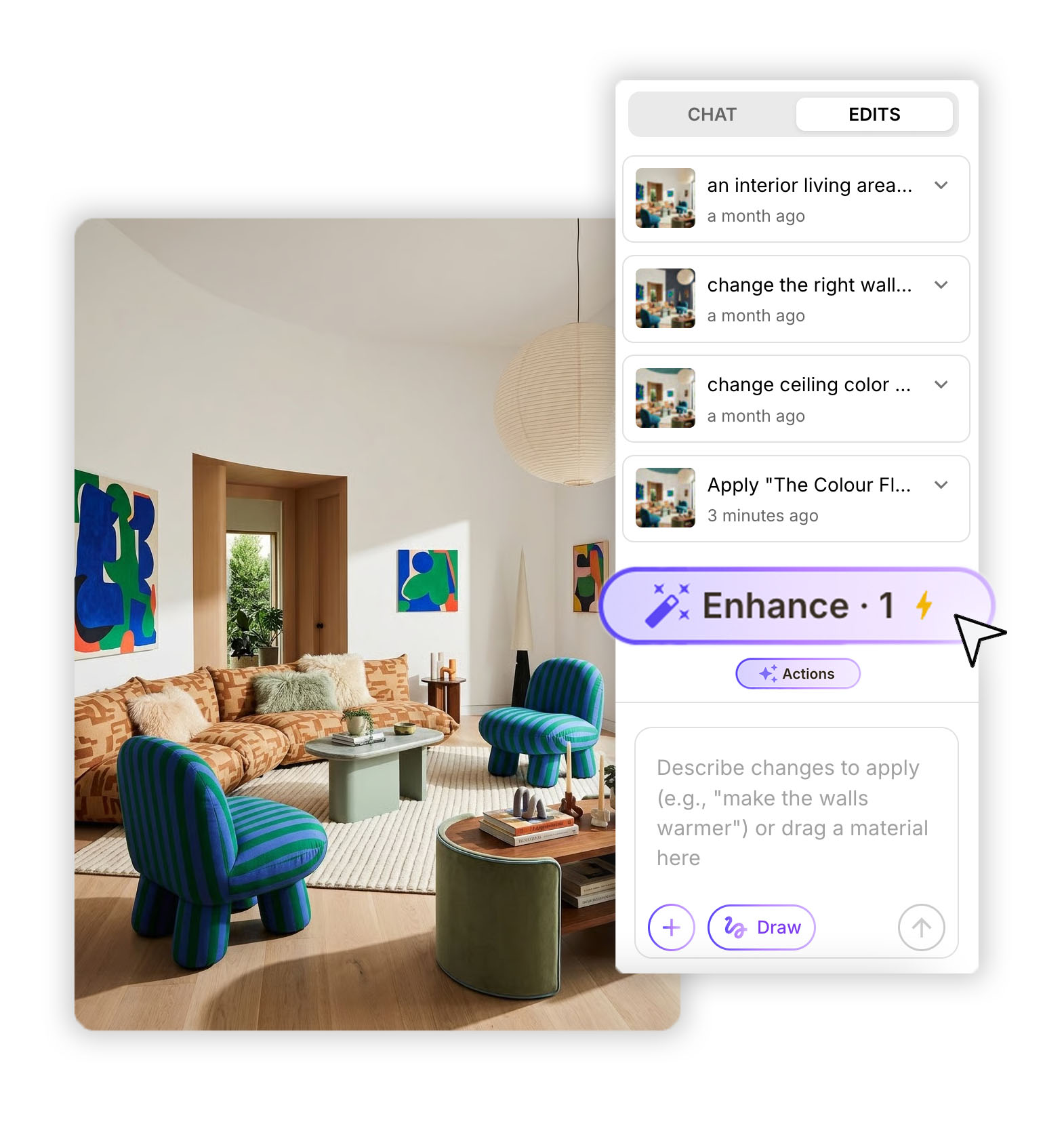
Heavy editing sessions can gradually soften image quality. The new Enhance feature fixes that. Run it at the end of your editing process and it brings back sharpness, clarity, and detail - giving your concept a polished finish that's ready to drop into a client presentation or share directly with your team.
This also solves the image degradation issue that came with making a lot of edits. Edit freely throughout, then enhance once at the end to restore full quality before you share.

Your concepts now come with a wider selection of matching materials from the start. More options per category means it's easier to explore the full range of a look - trying different finishes, swapping textures, pushing the palette - without having to search manually for alternatives.
A richer material set from the beginning makes it faster to turn a first concept into a complete material story. Browse the ‘Alternative Products’ panel, or explore the full library to build out the palette exactly as you envision it.
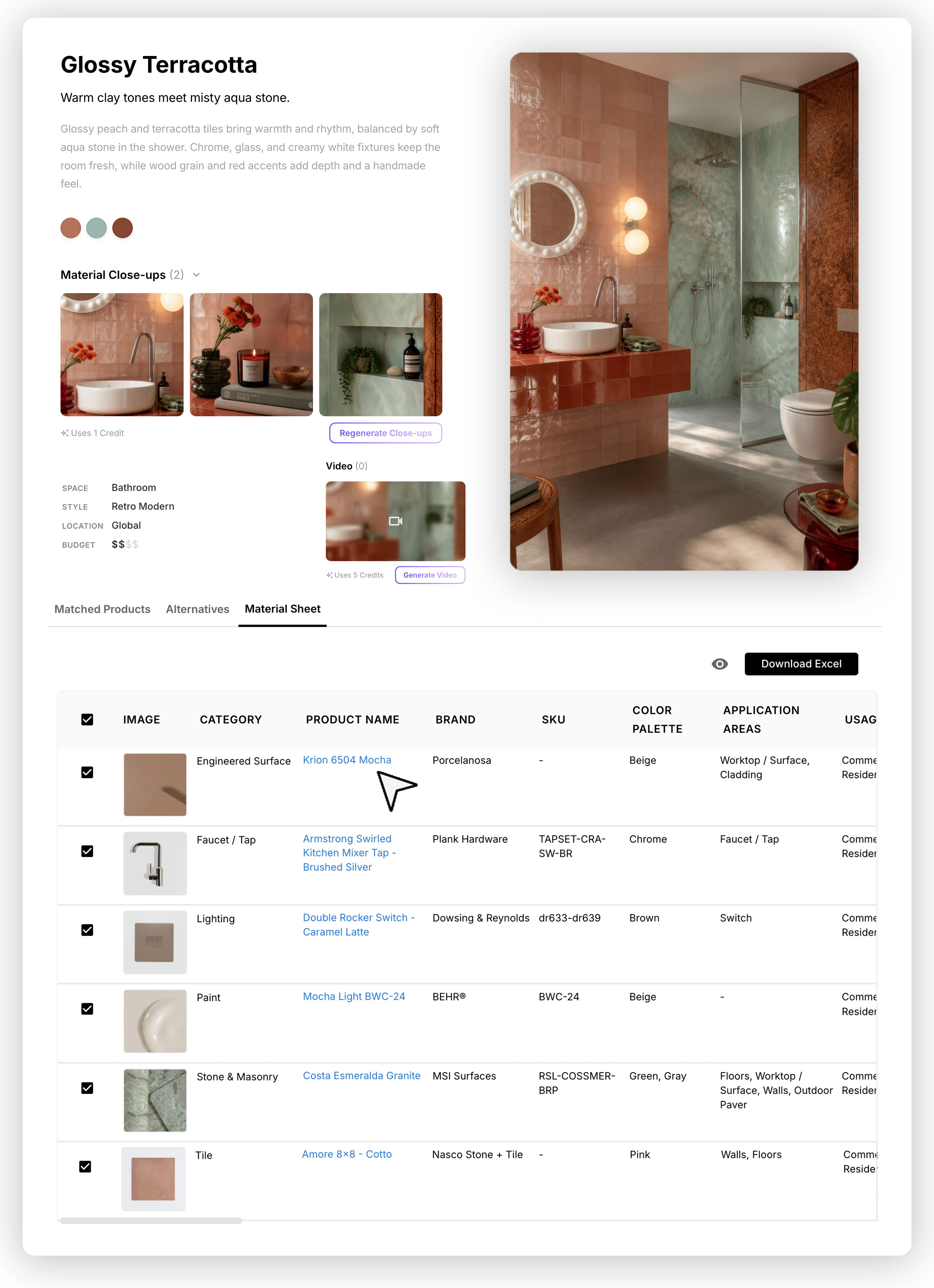
Your material sheet is now accessible directly within the concept - no need to jump elsewhere.
Every material used is listed alongside additional suggestions, each with a direct link so you can explore and source without leaving your workflow.
From the sheet you can:
These updates are live now. Open any concept in Design Stream to find the new features, or start a new one and see the expanded material palette from your first generation. Start designing here.
Want a feature we don't have yet? Drop us a line at studio@mattoboard.com
.png)