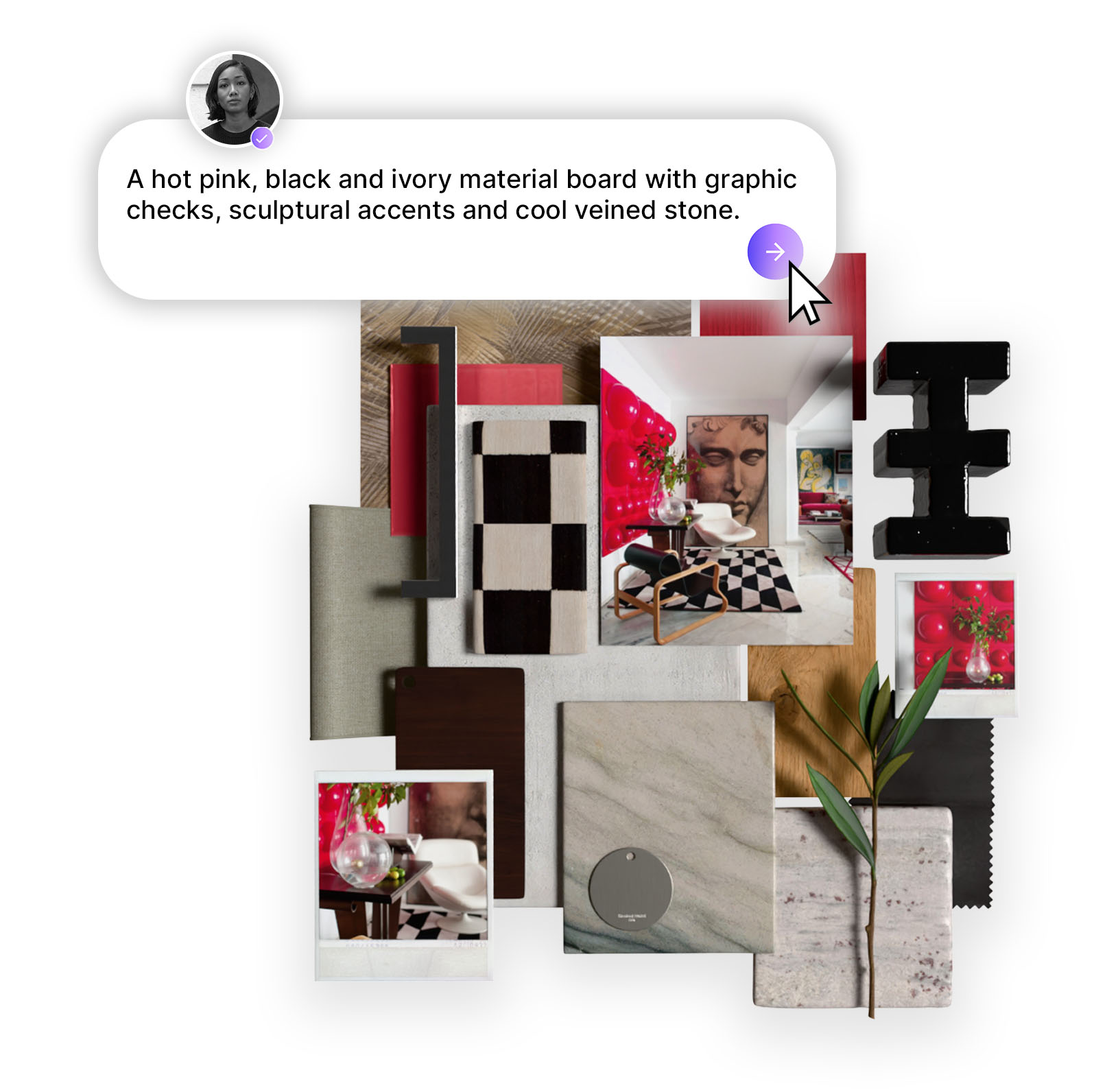
Design Stream transforms a simple brief into a fully realised interior concept, layered with a palette of real, sourceable materials that align with your budget, specifications, and aesthetic, all in seconds. Edit your own images with real materials, and generate videos and 3D material boards, all in one place.
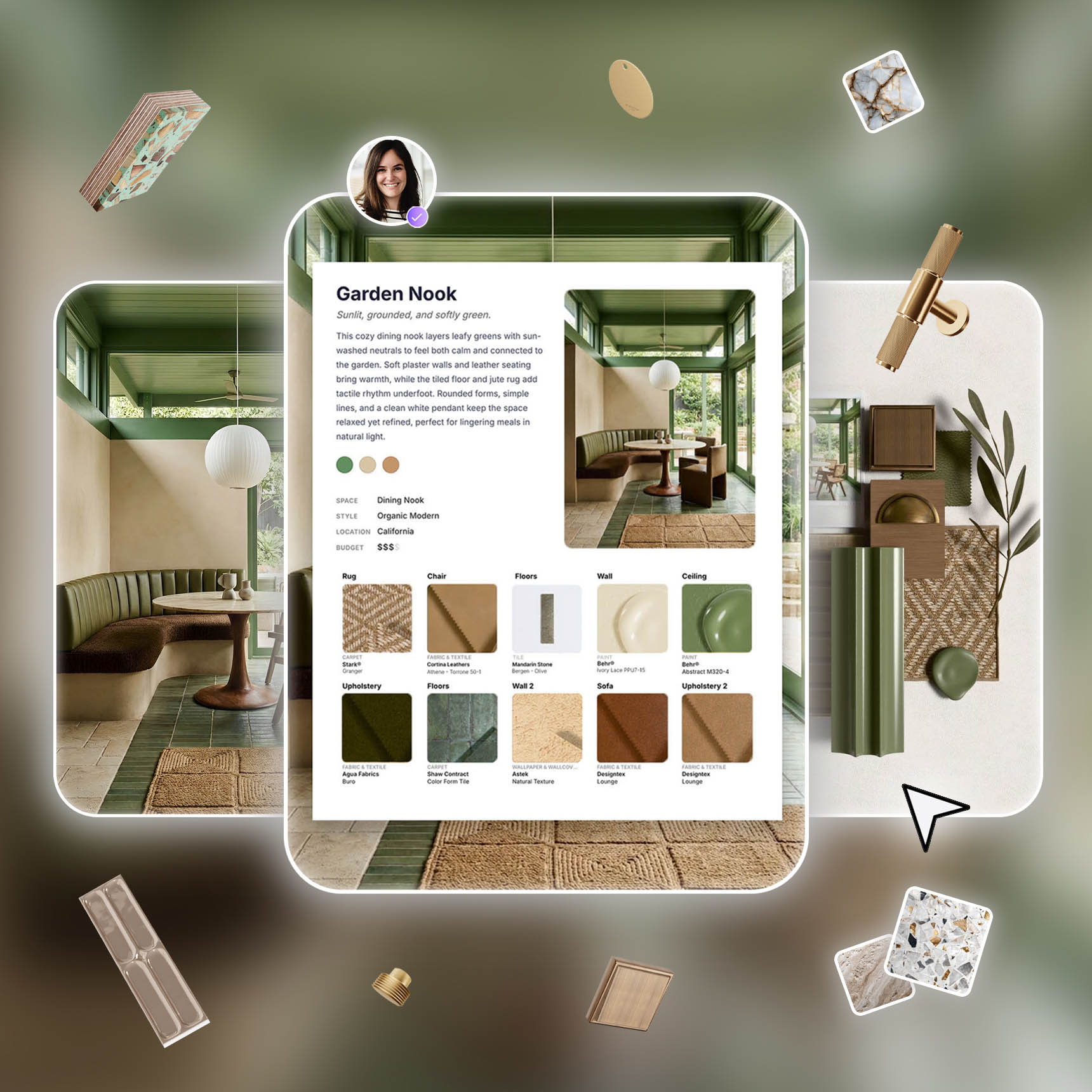
MattoBoard’s new AI tool; Design Stream, is here and it’s powerful. From generating editable editorial-style images and matching real materials to creating dynamic videos and photo-realistic material boards, here is a breakdown of everything you can create in Design Stream to design at the speed of your imagination.
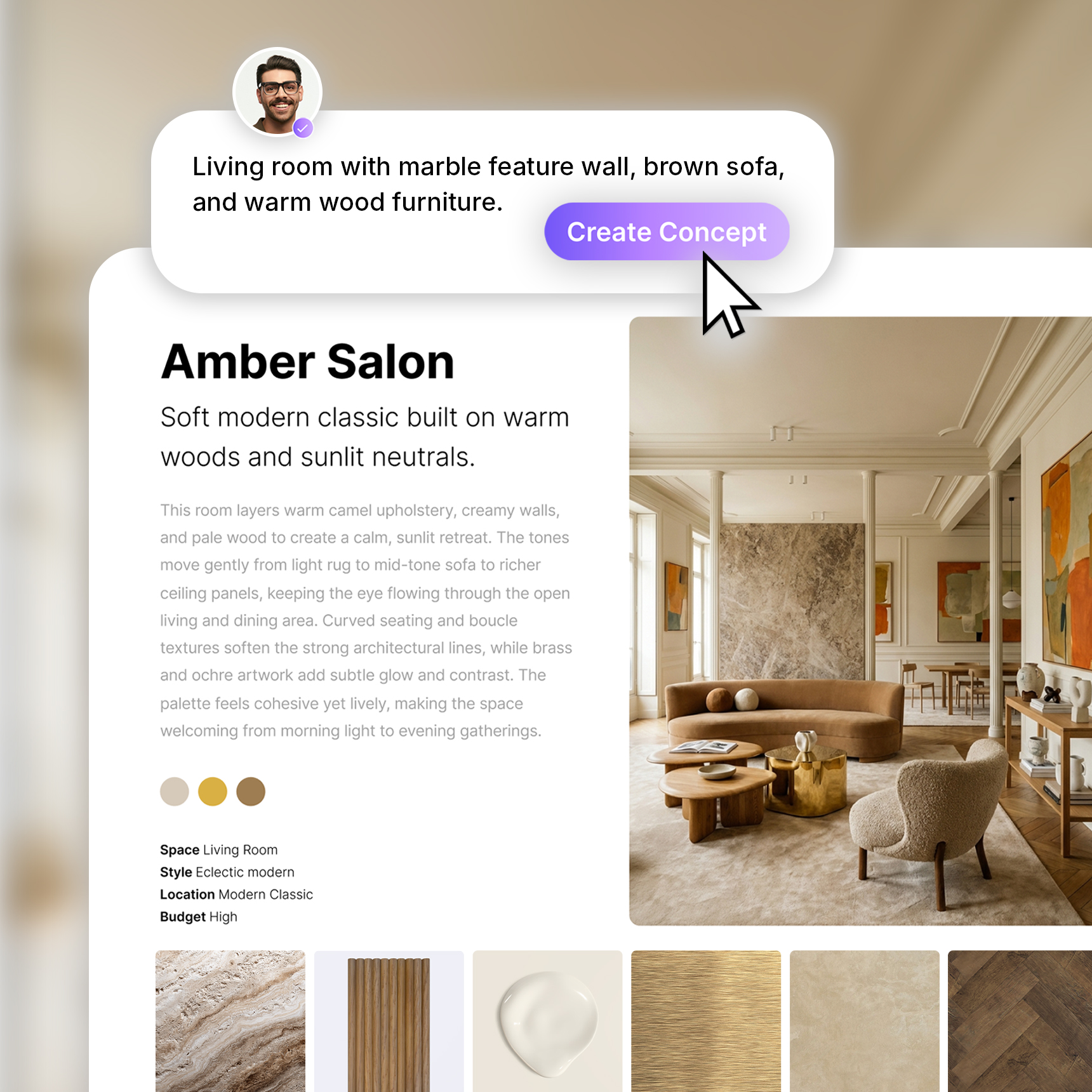
Create stunning editorial style concepts that bring your vision to life. Enter a prompt, then add inspiration images or even a floor plan into the prompt bar. The more detail you include, the better the results. You can also use the prompt building tool to help structure your prompt. Specify the space, style, materials to include, and any exclusions so Design Stream has everything it needs to generate accurate visuals for your project.
Generate concepts at any stage of your project. At the beginning, use it to bring ideas together into a clear visual direction. Blend and mix interior styles, experiment with an existing space, or explore new ideas for a project that needs a fresh perspective. Wherever you are in the process, Design Stream helps you create beautiful editorial style imagery that is ready to share with clients.
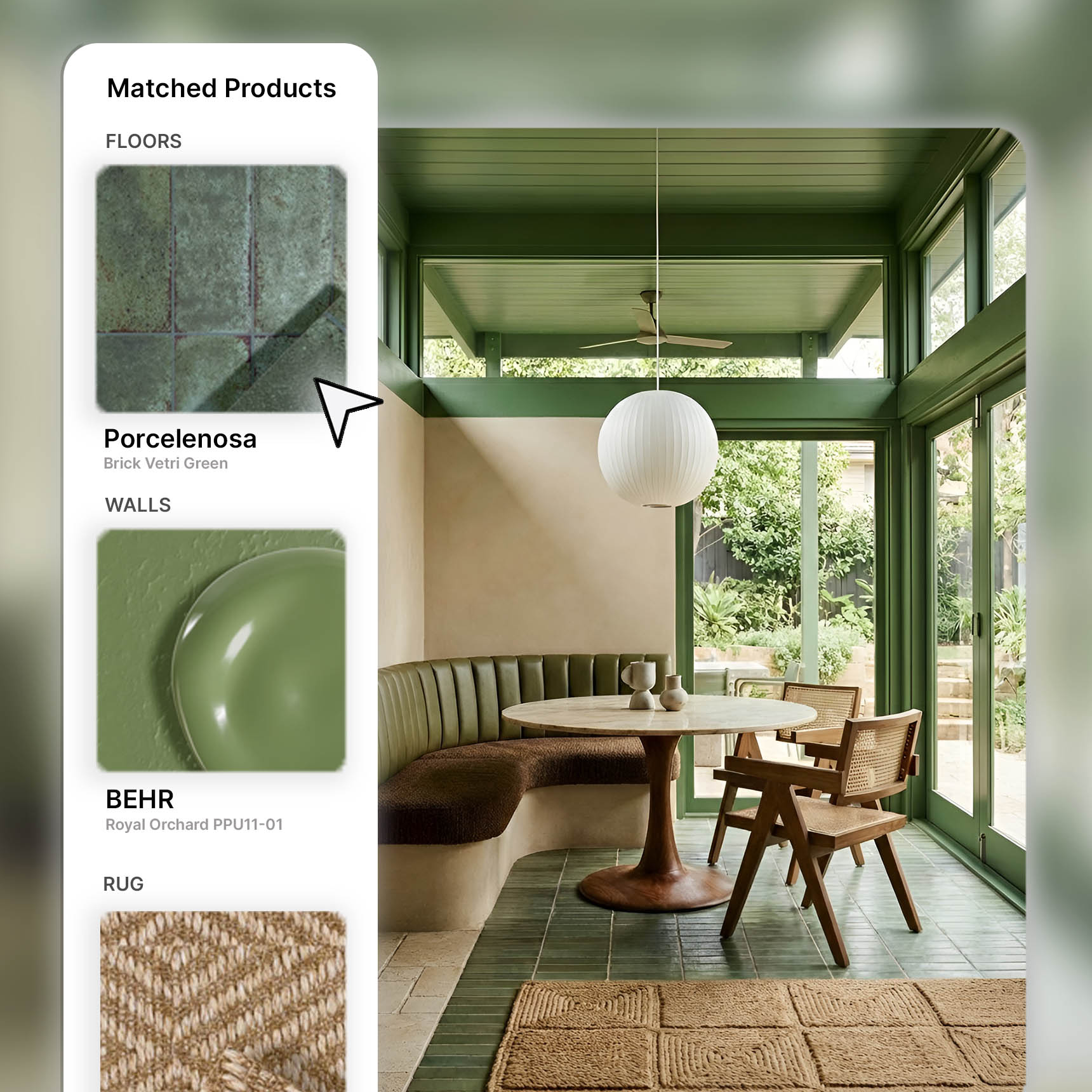
Turn any image into a curated selection of real products that match the look, specs, and budget, all in one click. Open your image in the editor and replace any material using our library of over 50K branded materials across all categories.
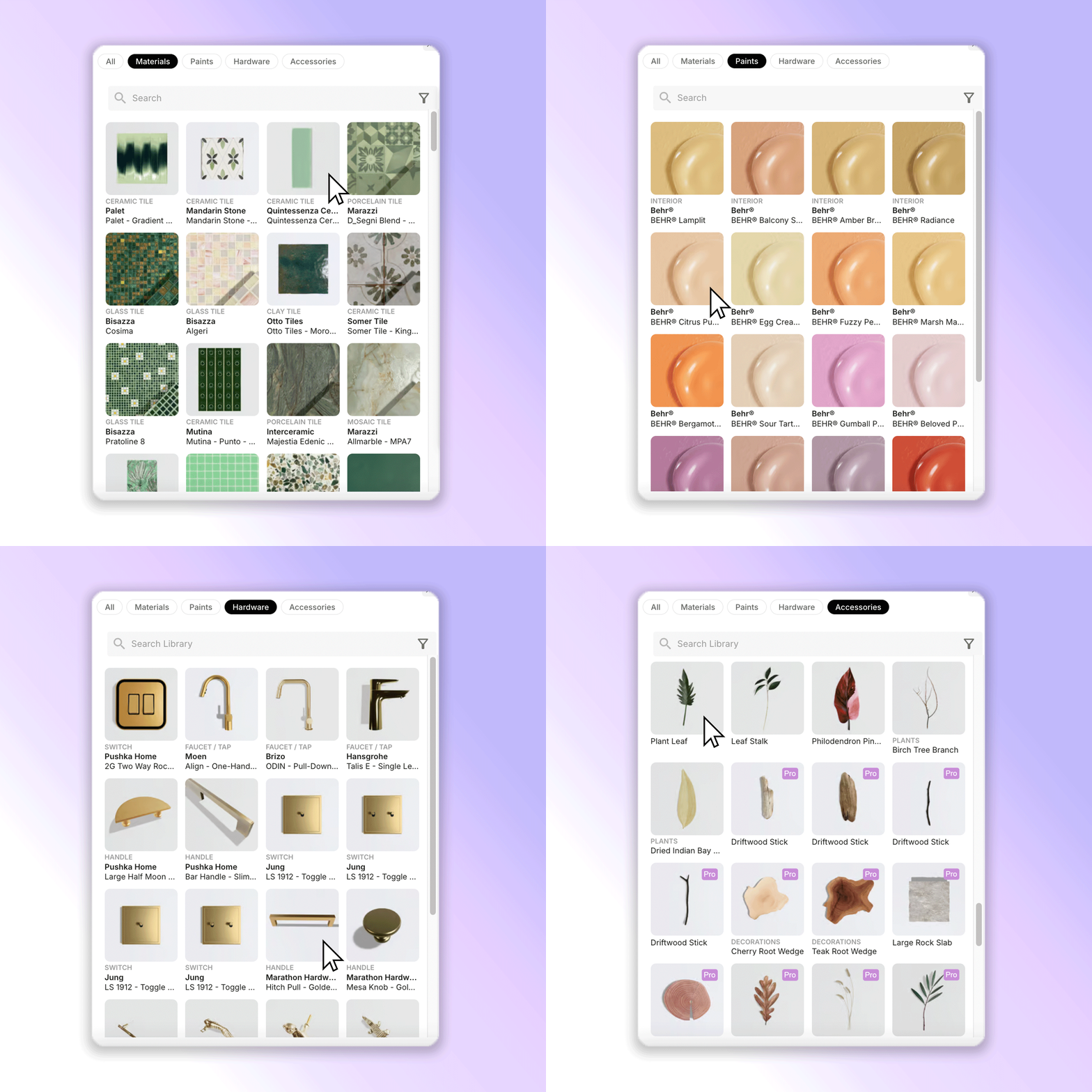
You can choose materials from the Matching Products panel, which suggests products that fit your concept’s aesthetic in each material category. Or explore the full material library to browse materials, paints, and fixtures, then select the ones you want to apply.
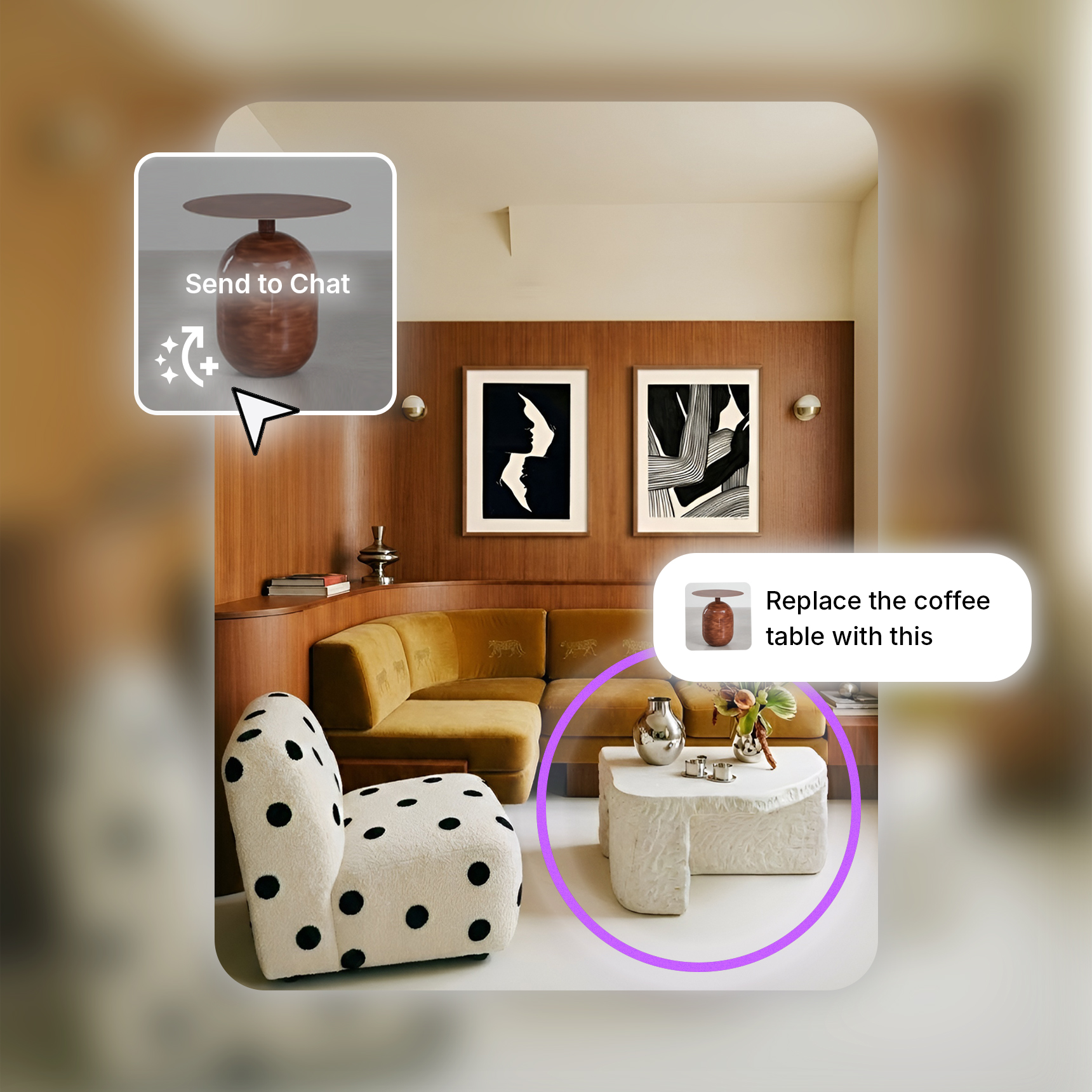
When you find a material you want to use, click Send to Chat on the material thumbnail. This moves the material into the chat prompt so you can specify where it should be applied in the image. Use the pen tool to mark exactly where material changes should be applied, or where furniture and products should be placed.
Need a material we do not have? Upload your own and add it directly to the image. You can also bring in furniture or products from other images by pasting the image into the chat prompt bar and specifying where it should go.
You can also request broader edits in chat, such as changing the lighting to night mode, warming up a cool minimalist living room, or shifting the camera angle so the dining table becomes the focus. This gives you control over the final mood and composition of the concept image.
If you make an edit you do not love, simply browse your edit history in the right panel. Select the version you prefer and create a new edit from there, as if the unwanted changes never happened.
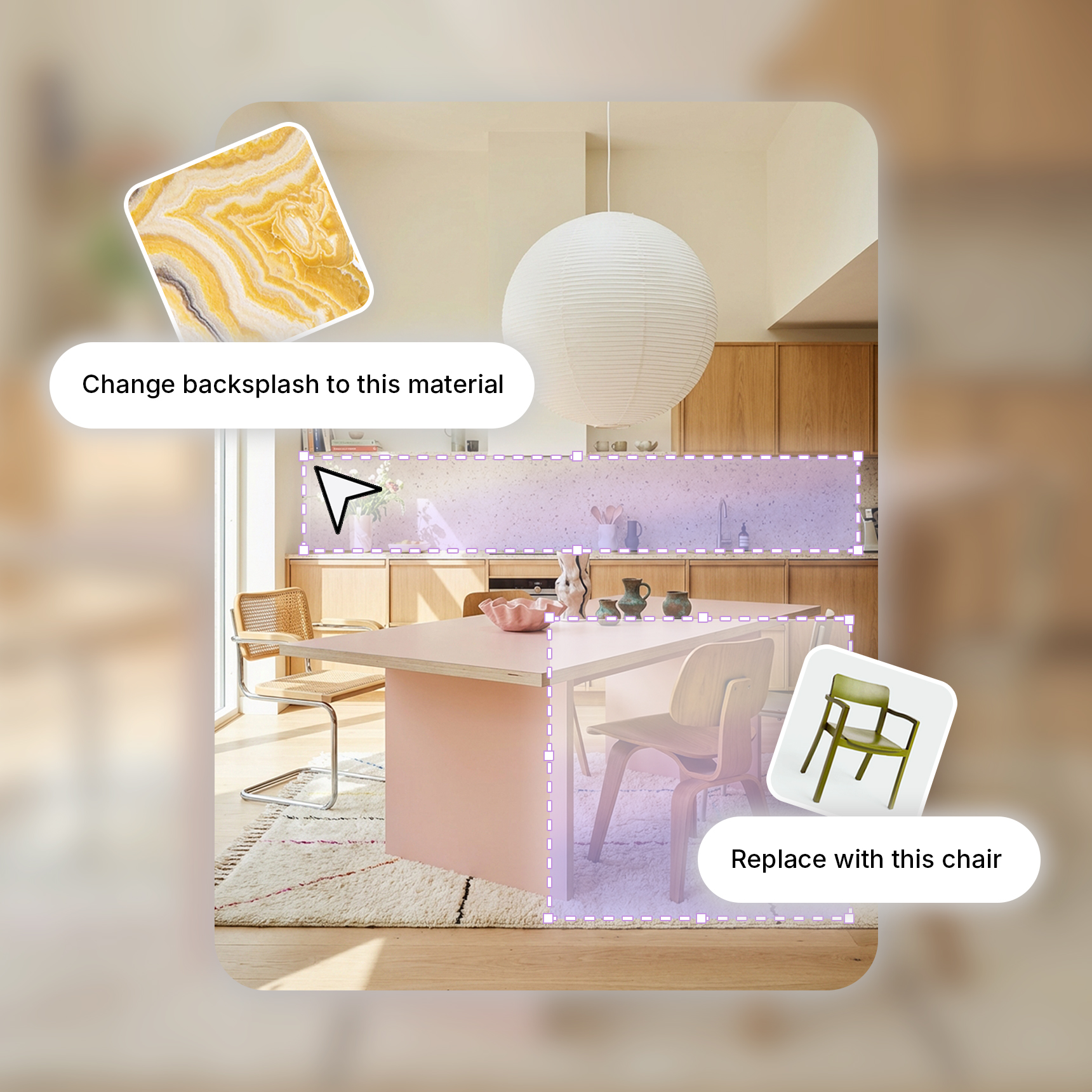
Have an existing image you want to update? Upload it directly into the image editor and prompt the changes you want to make in the chat, or use the pen tool to mark up the areas you want to adjust. Swap materials using MattoBoard’s library, or apply your own materials and paints from your personal library.
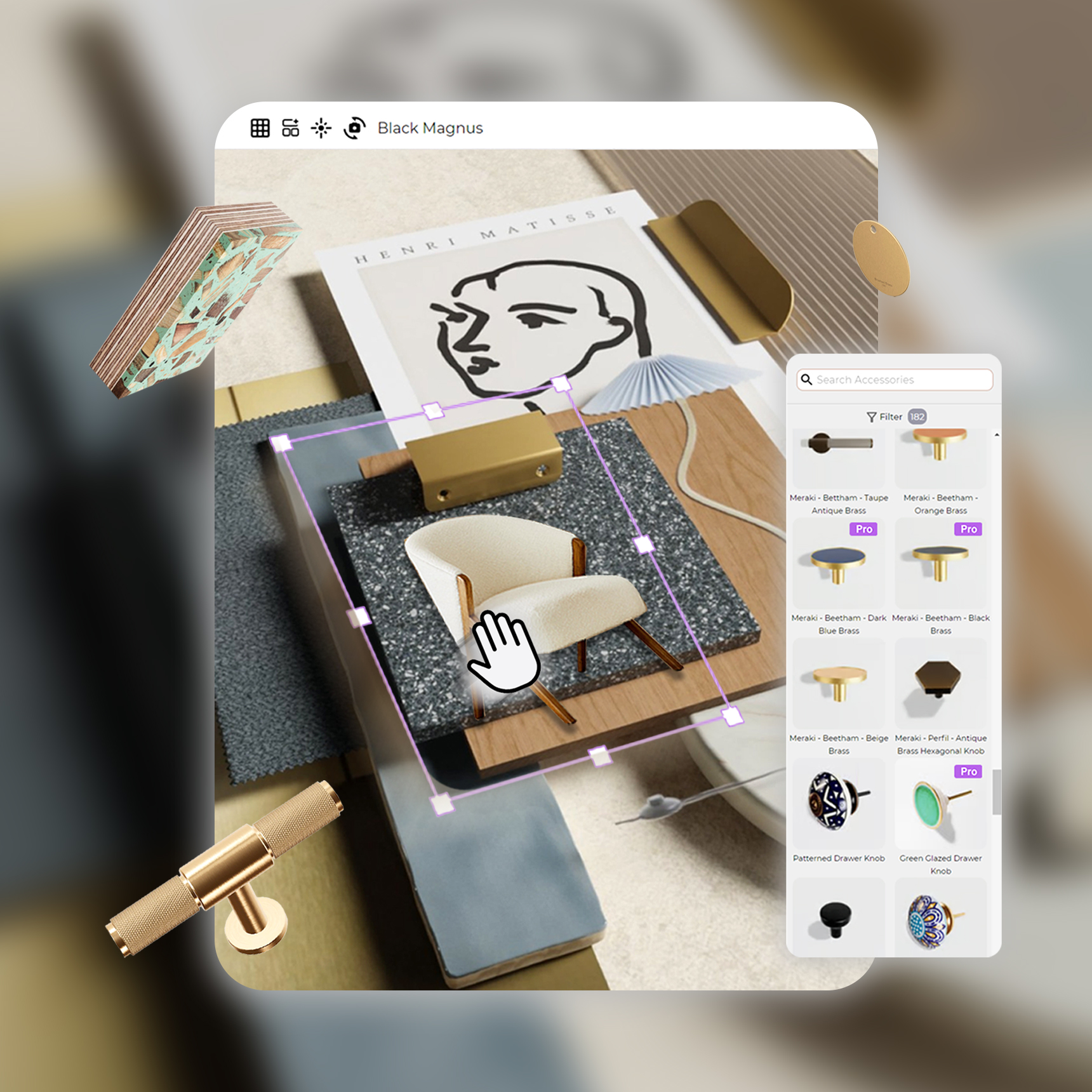
You can now generate 3D material boards directly from your concept image. Send the matching materials from your concept to MattoBoard’s 3D mood boarding tool, then drag and drop additional materials, images, and accessories onto your board.
Share a 3D view link with clients so they can explore the materials and their finish properties in immersive 3D, complete with light and shadow. You can also download a Deep Render of your board to export a photorealistic image, perfect for client presentations.
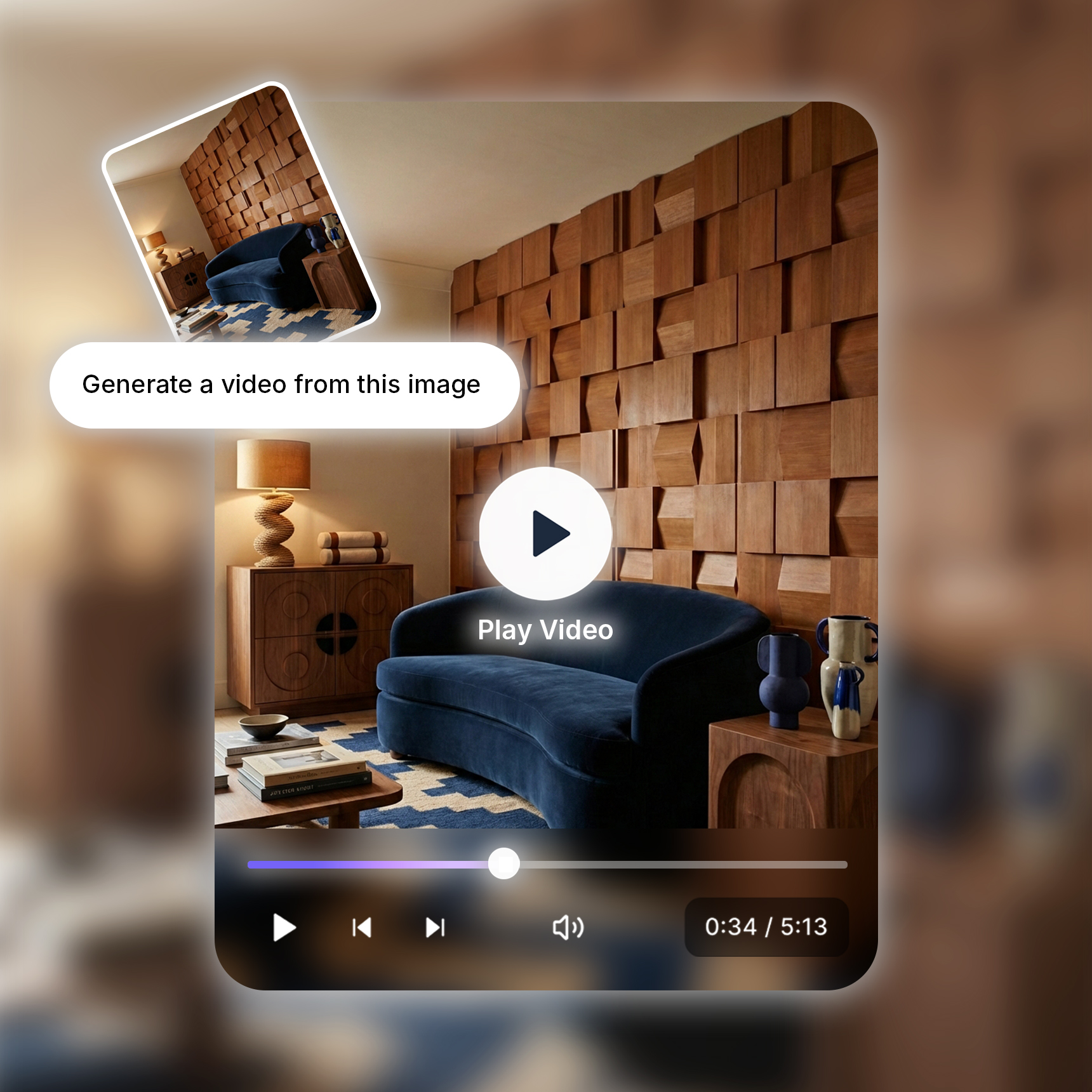
Bring your concept to life and generate an immersive walk through video of your space. Control the video output by editing the prompt and choose the format depending on whether you want to share the video on socials or in your client presentation.
Start designing now at MattoBoard.com
.png)